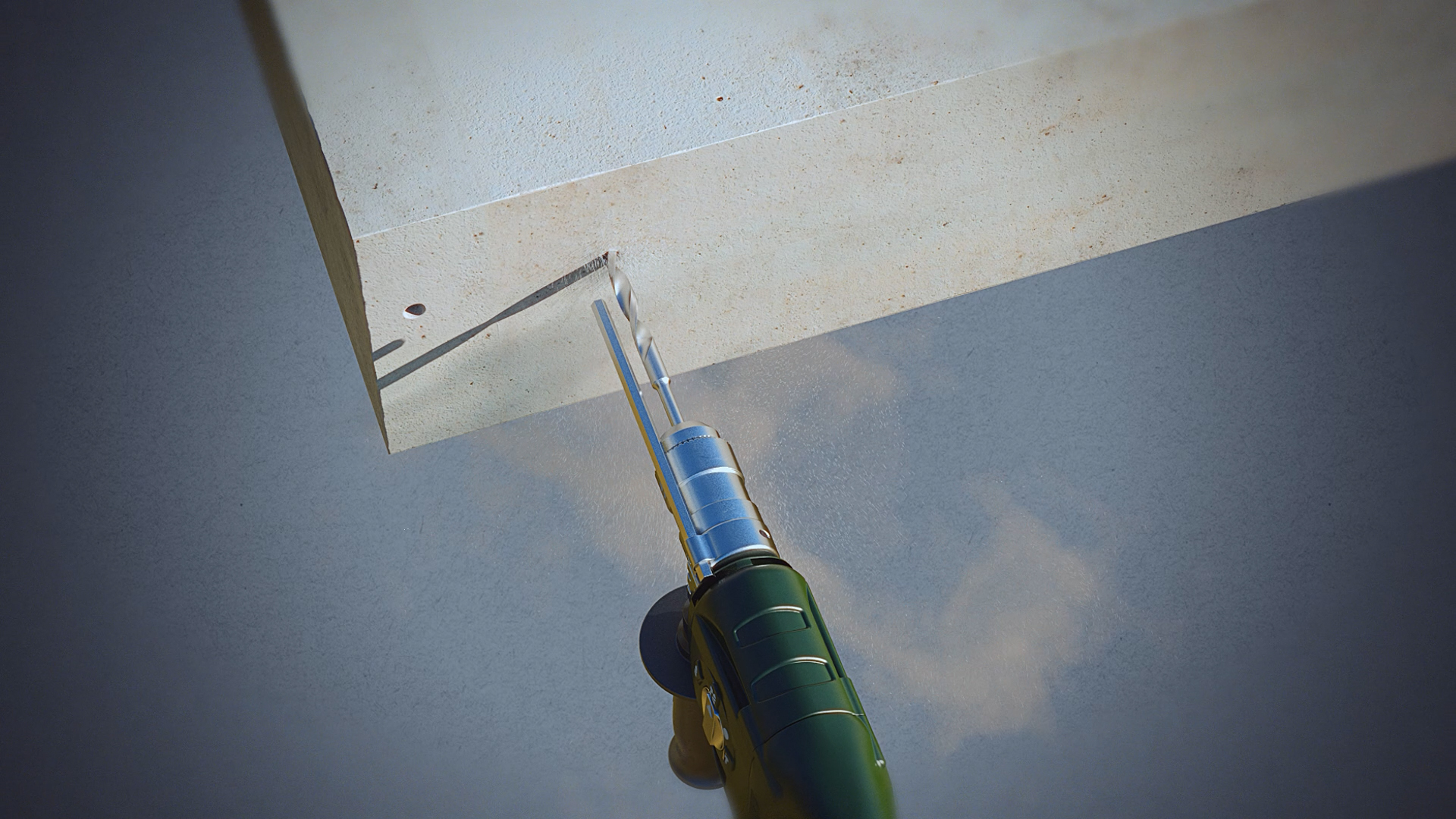
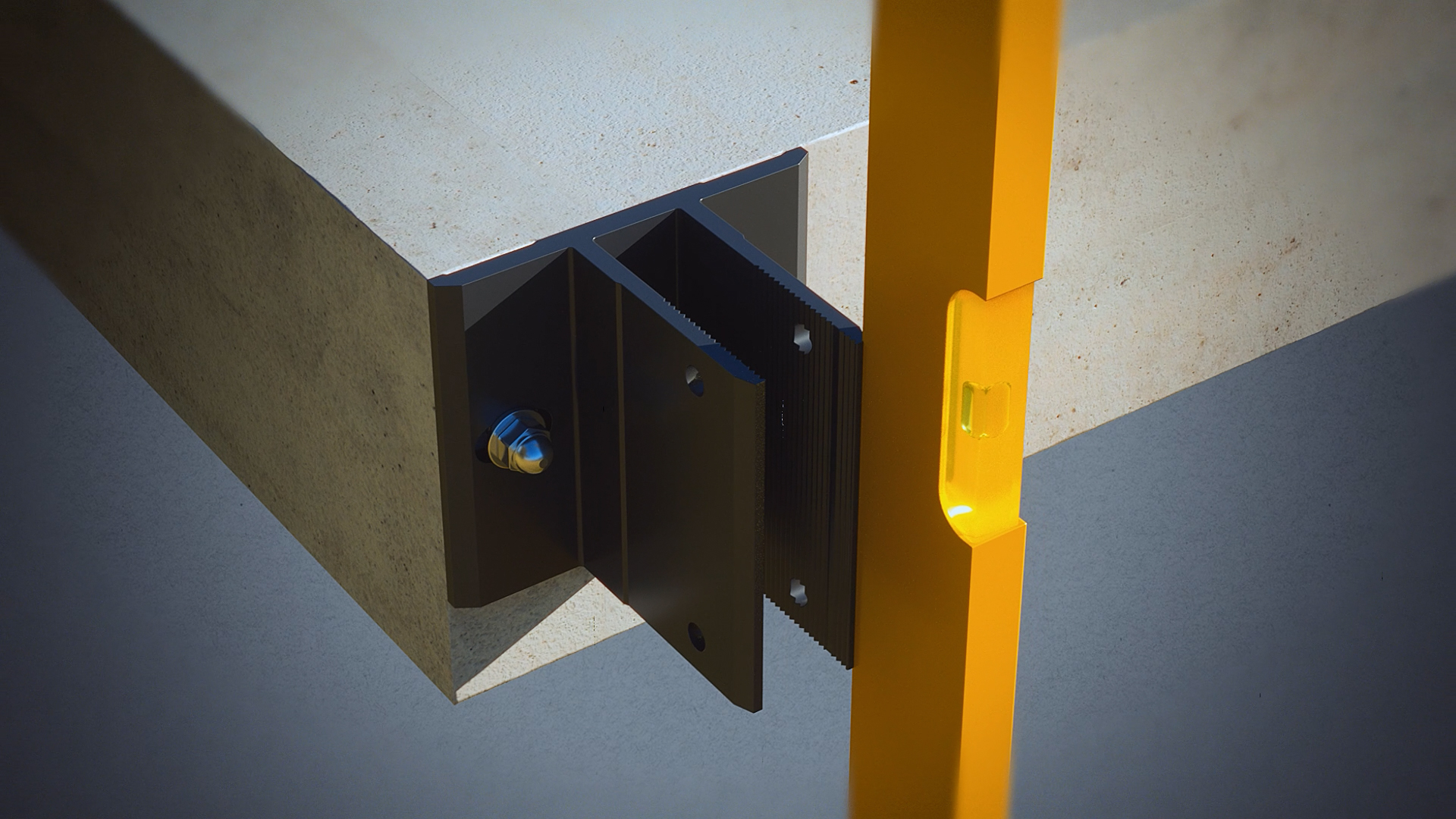
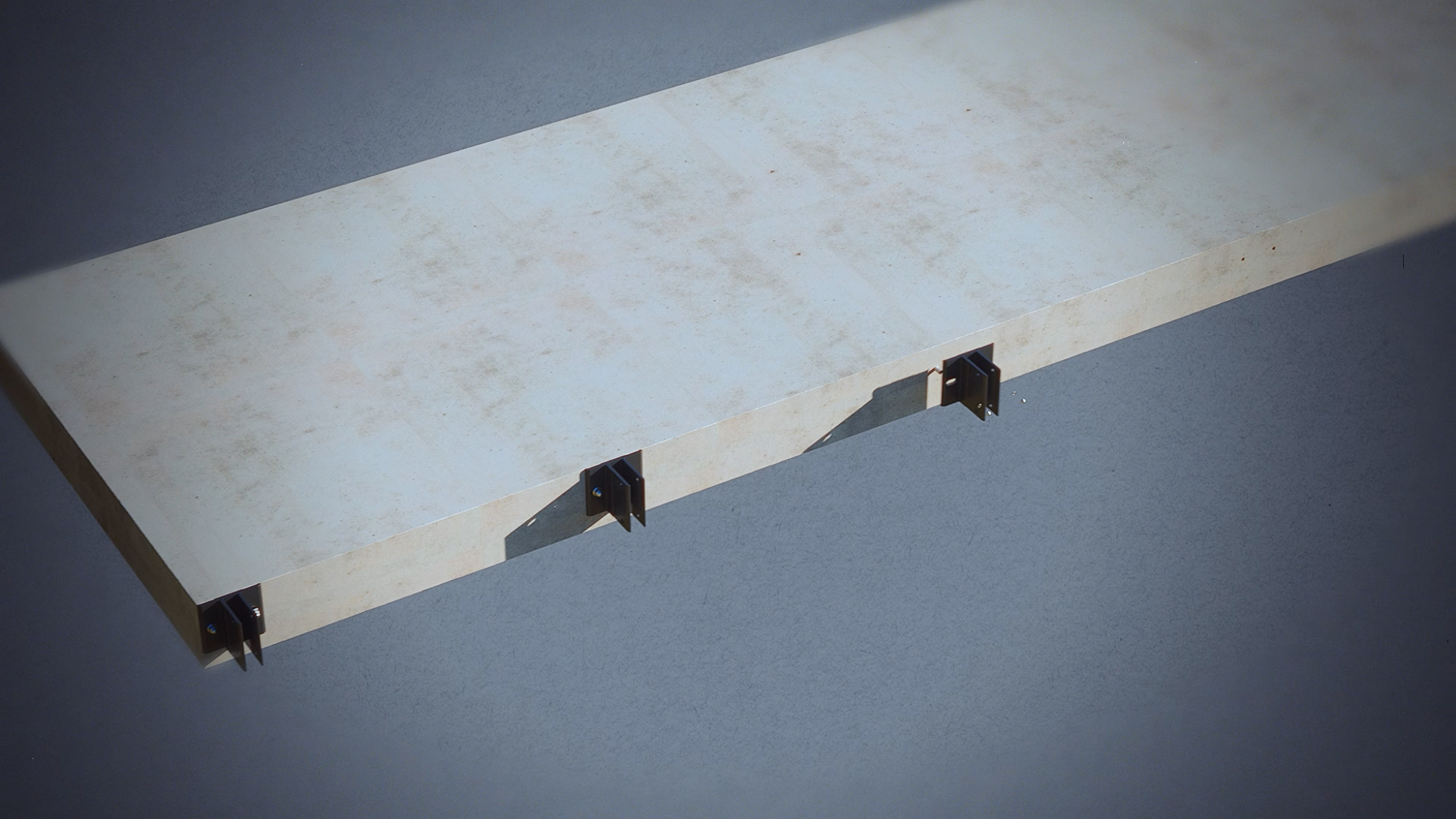
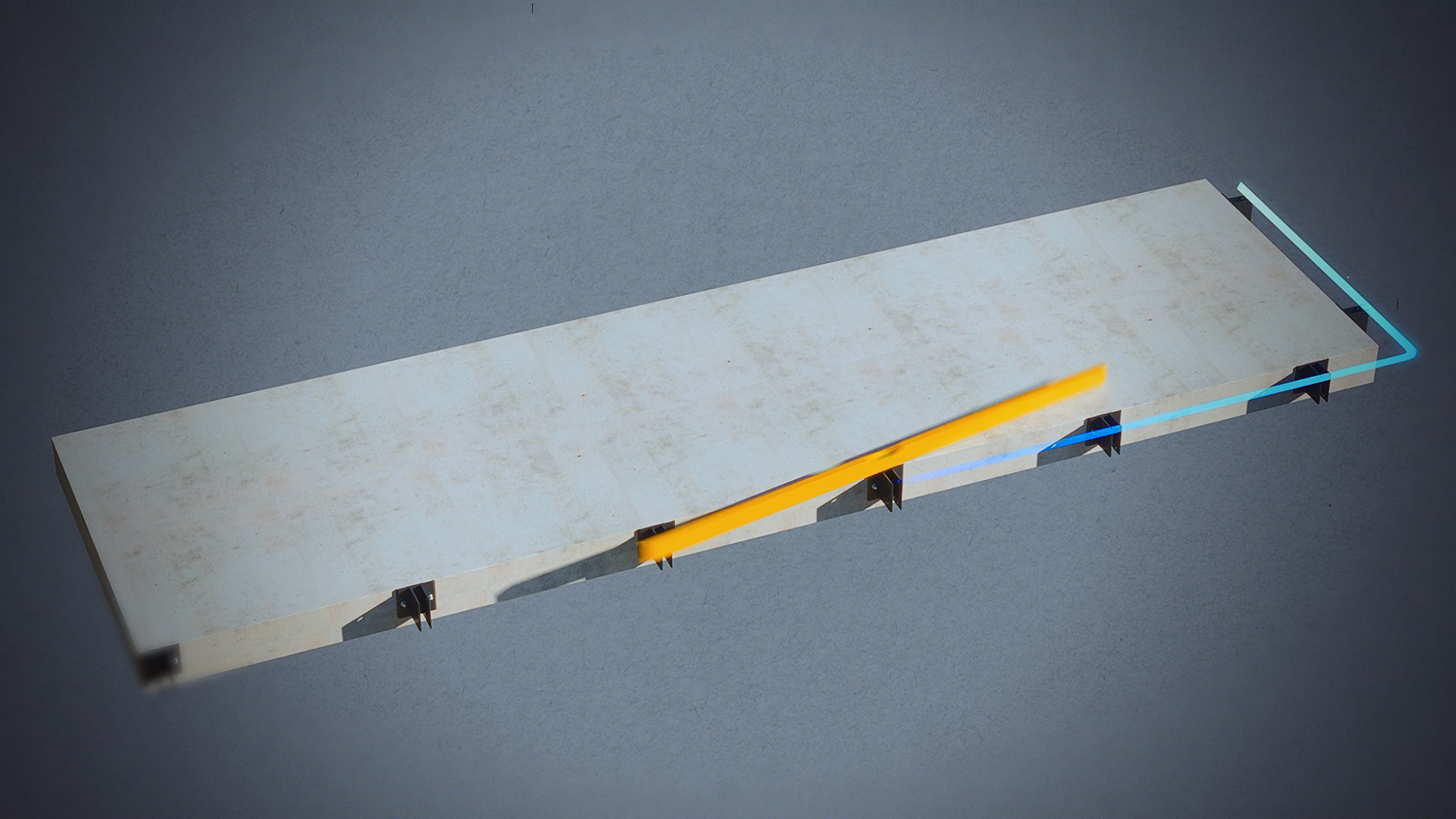
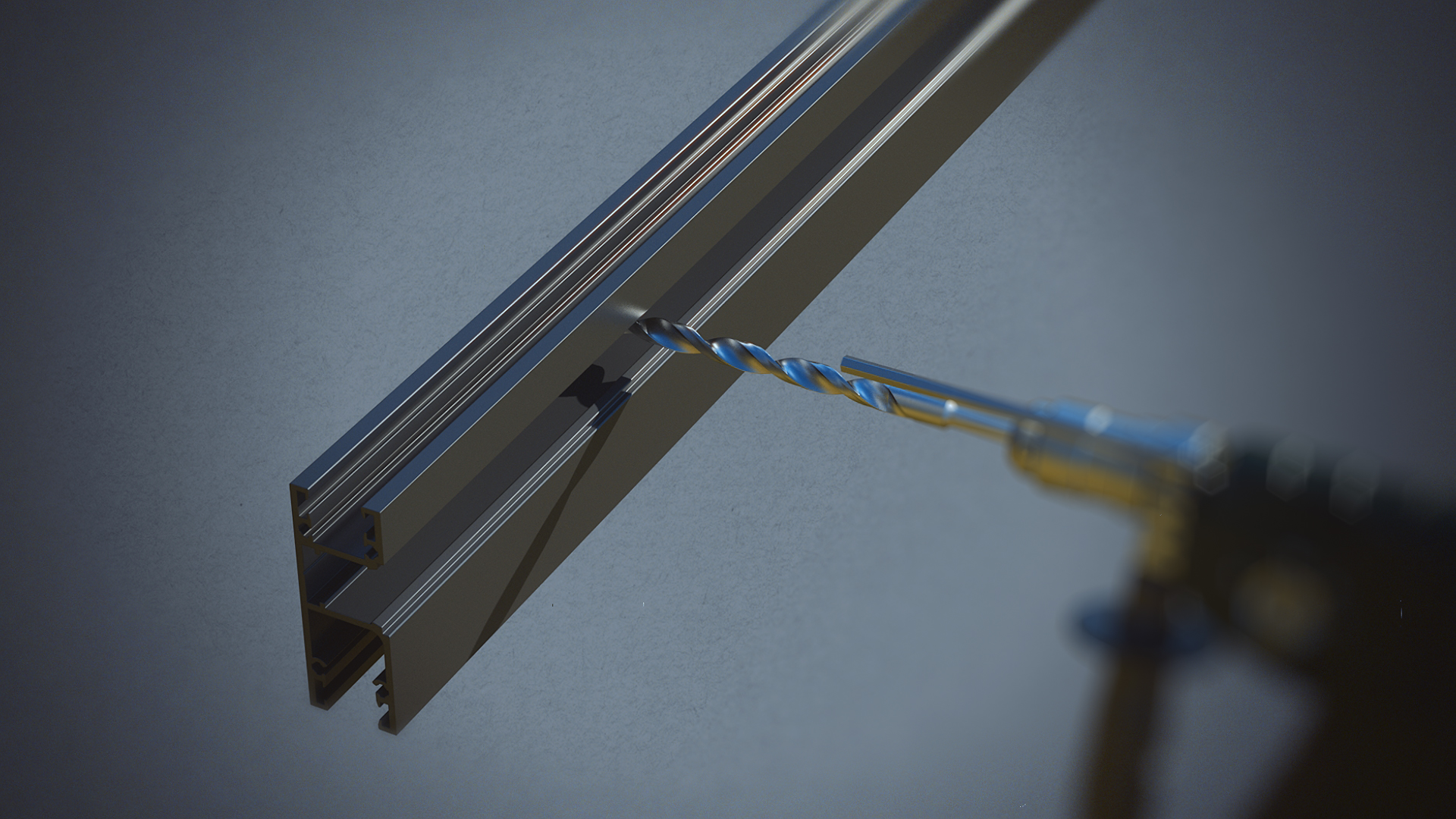
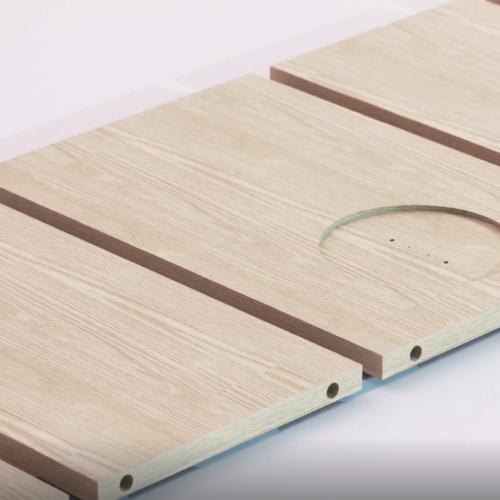
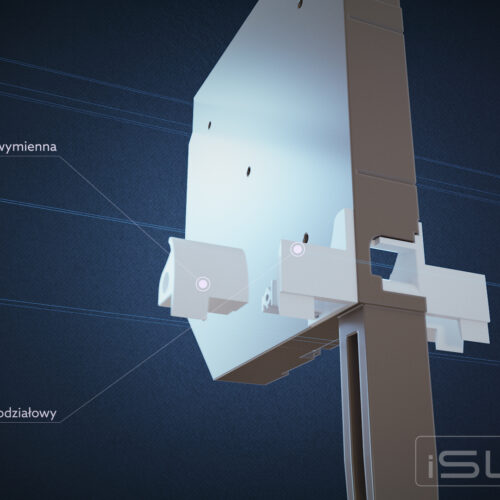
Animowana instrukcja montażu - kadry z animacji 3D. Animated Assembly Instructions - stills from 3D animation

Animated Assembly Instruction – SMART Railings

The animated assembly instruction provides a simple and clear way to understand the installation process of SMART railings. Thanks to 3D animation, every step is visualized, making the assembly easier, safer, and error-free.

3D animation shows the full assembly process of SMART balustrades step by step, replacing a traditional paper instruction manual with an interactive video guide. Each installation stage is visualized separately, reducing the risk of assembly errors and speeding up work on site.

Why Use an Animated Assembly Guide?

Traditional paper instructions can be hard to read and difficult to interpret when it comes to complex mounting connections. The material we created for Glassini, a manufacturer of systemic SMART balcony balustrades, works differently — it’s an interactive video guide accessible on desktop, tablet, and smartphone, with nothing to download or print. Beyond the assembly itself, the animation also builds customer trust in the product before purchase — they can see exactly what to expect.

Responsywny Film z YouTube

SMART Balustrade Assembly Details


The animation shows exactly how to connect each balustrade component — from the first mounting point on the wall or floor, through the installation of the glass infills, to the final positioning and leveling of the entire structure.

The material also supports the customer service team — instead of describing assembly steps over the phone, a consultant can simply point the customer to the relevant section of the animation.

Interactive, Digital Instructions

Users can pause, rewind, or replay any assembly stage — something a paper instruction manual simply can’t do. This meaningfully improves work safety and shortens installation time on site.

Dedicated Assembly Scenarios

For SMART balustrades, we prepared separate scenarios showing different structural variants of the components — so the installer sees exactly the product version they’re working with, not a generic example.

Benefits of the Animated SMART Balustrade Assembly Guide

  • Shows every assembly step clearly and realistically.
  • Works with no installation required, directly in the browser — on desktop, tablet, and smartphone.
  • Reduces assembly errors and shortens installation time.
  • Cuts down on service requests related to incorrect assembly.
  • Builds customer trust in the product before purchase.

How to Use the SMART Balustrade 3D Animation Materials

  • Online and offline assembly instructions: Place the full 3D animation on your website, in a dedicated mobile app, or include it with the product on a USB drive — no separate printed manual required.
  • Promotional and marketing materials: Clips from the animation work well in ad spots, at trade fairs, and on social media — showcasing both ease of assembly and product quality, without an extra photo shoot.
  • Visualizations (animation stills) in catalogs and on the website: High-quality rendered 3D images from key assembly stages illustrate product catalogs, the website, and instructional materials, letting customers see construction details before purchase. Individual frames also work as a graphic “mini-guide” that complements the full animation.
Contact

YOU LIKE WHAT WE DO?

WANT TO COOPERATE WITH US? Contact us

Frequently Asked Questions (FAQ)

Which product and client was this animated assembly guide created for?

The guide was created for Glassini, a manufacturer of systemic SMART balcony balustrades. The 3D animation shows step by step how the mounting elements connect, how the glass infills are installed, and the final positioning of the structure — in exactly the sequence an installer follows on site.

What’s the difference between an animated assembly guide and a traditional PDF manual?

Unlike a static PDF, the animation can be paused, rewound, and replayed at any stage — and it runs directly in the browser on desktop, tablet, and smartphone, with no file to download. This addresses the most common source of assembly errors: skipping or misreading a single step on a technical drawing.

What is the 3D model for an assembly animation like the SMART balustrades built from?

The model is built from CAD/STEP documentation supplied by the manufacturer — we describe this process in detail in the article STEP to CGI: A Milestone in CGI. This ensures every mounting element and aluminum profile has real dimensions matching production.

How much does an animated assembly guide cost for a product like a balustrade system?

The price depends on the number of assembly steps, the number of structural variants, and whether the material includes only the animation or also additional static visualizations for a catalog. We publish a detailed price list and calculation examples in the article How Much Does 3D Visualization and Animation Cost?

Where else can a company use this kind of animation, besides its own website?

Besides the website and a mobile app, the material works well as a file included with the product on a USB drive, a clip in an ad spot, trade fair material, and a source of frames for a product catalog. We write more about the advertising uses of 3D animation in the article 3D Animations in Advertising.

Can this type of animated guide fully replace technical support?

Not entirely, but it meaningfully reduces the number of service requests related to incorrect assembly — the user has access to exactly the same material the technical support team uses, before they even contact the helpline.

If you want to know more about the processes of creating 3D materials, check out our articles:


Contact

YOU LIKE WHAT WE DO?

WANT TO COOPERATE WITH US? Contact us