3D Glossary - CGI, rendering, low-poly

We've prepared a straightforward business guide to the key concepts of 3D, CGI, and VR to help you create precise project briefs, clearly define deliverables in contracts, and communicate more effectively throughout every stage of your 3D projects.

Share

Understanding the technical language used by 3D studios can be challenging for marketers, engineers, and project managers. That’s why we’ve created a practical business glossary of 3D, CGI, and VR terminology to help you prepare clearer project briefs and communicate more effectively throughout every stage of your 3D projects.


Essential 3D Graphics Terms (FAQ)


What is CGI?


CGI (Computer-Generated Imagery) refers to images, animations, and visual effects created entirely using computer software. In business, the term is commonly used to describe photorealistic 3D visuals that can replace traditional product photography and live-action video.


🔗 Learn more: Technical and Instructional Animations


What Is Rendering?


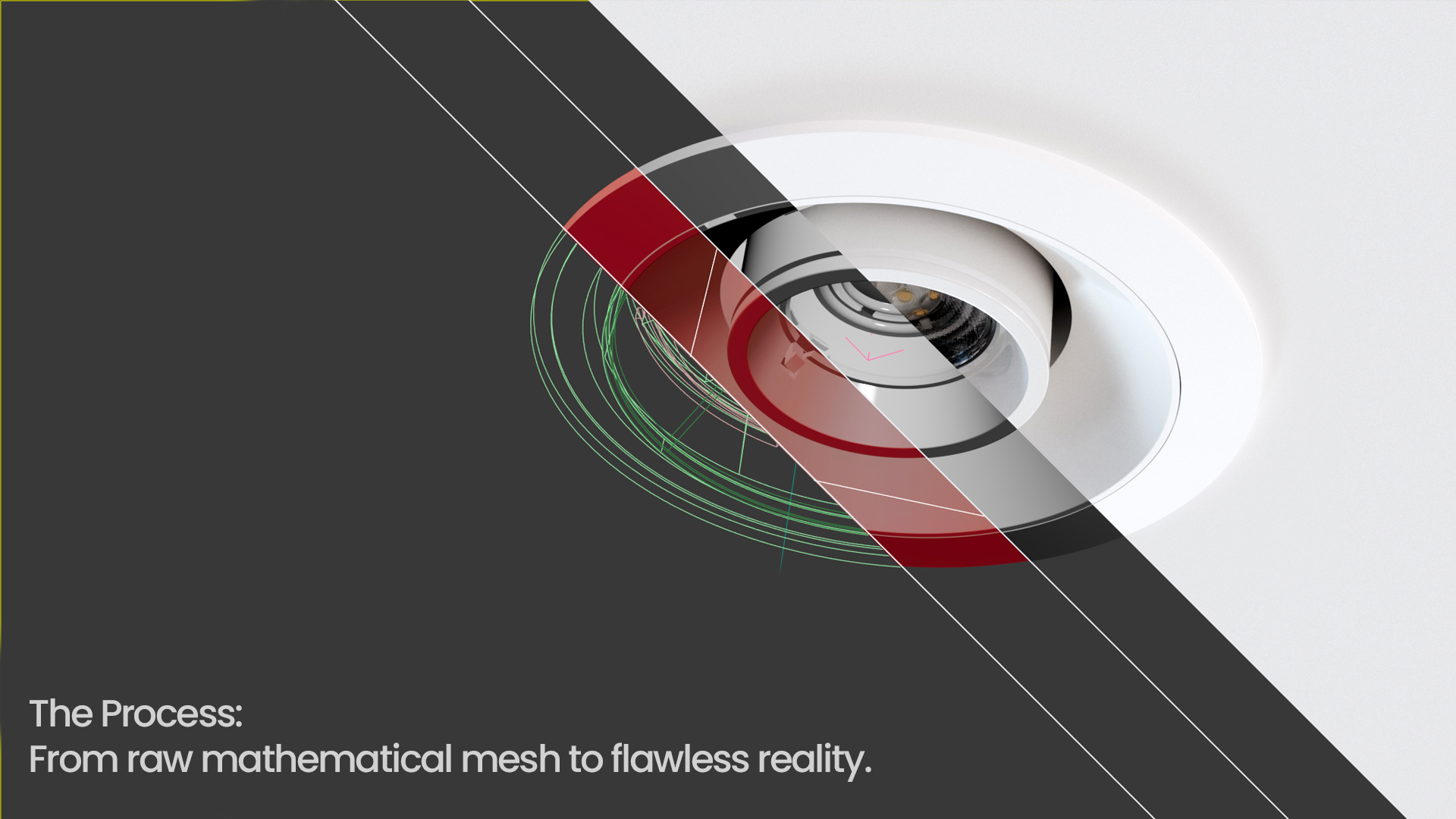
Rendering is the process of transforming a digital 3D model into a finished 2D image or animation frame. It can be compared to “developing a digital photograph” in the world of 3D, where advanced algorithms calculate lighting, shadows, reflections, and material properties to create a realistic final image. Today, this process is typically handled by dedicated rendering engines—specialized software designed to produce high-quality visual output. Leading rendering engines differ in their capabilities, rendering speed, and the accuracy with which they simulate the physical behavior of light.


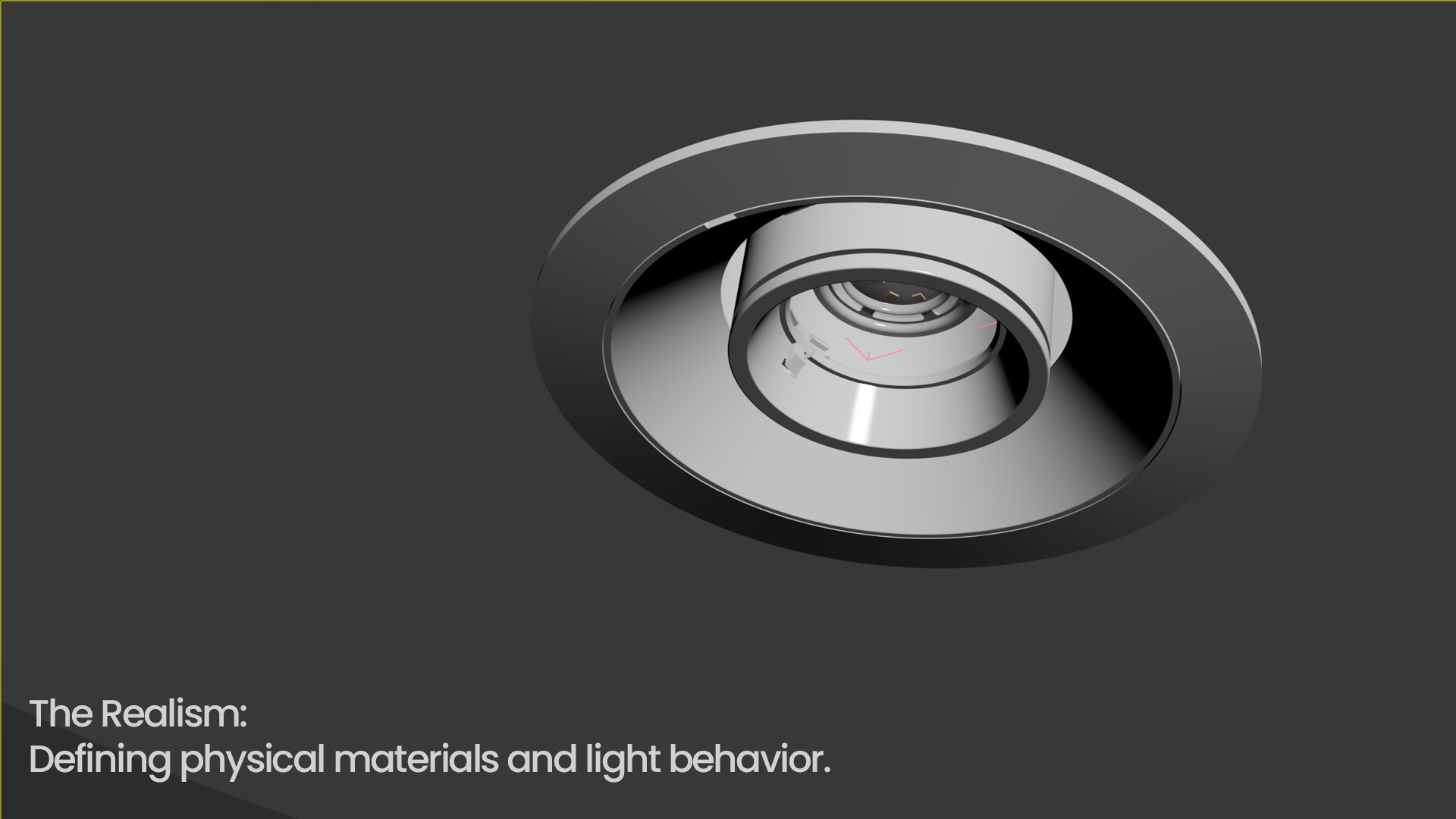
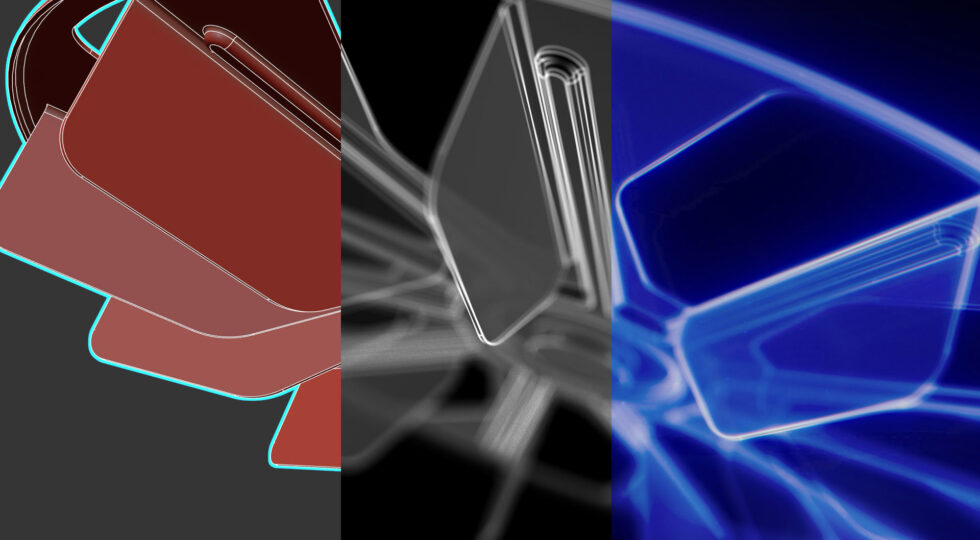
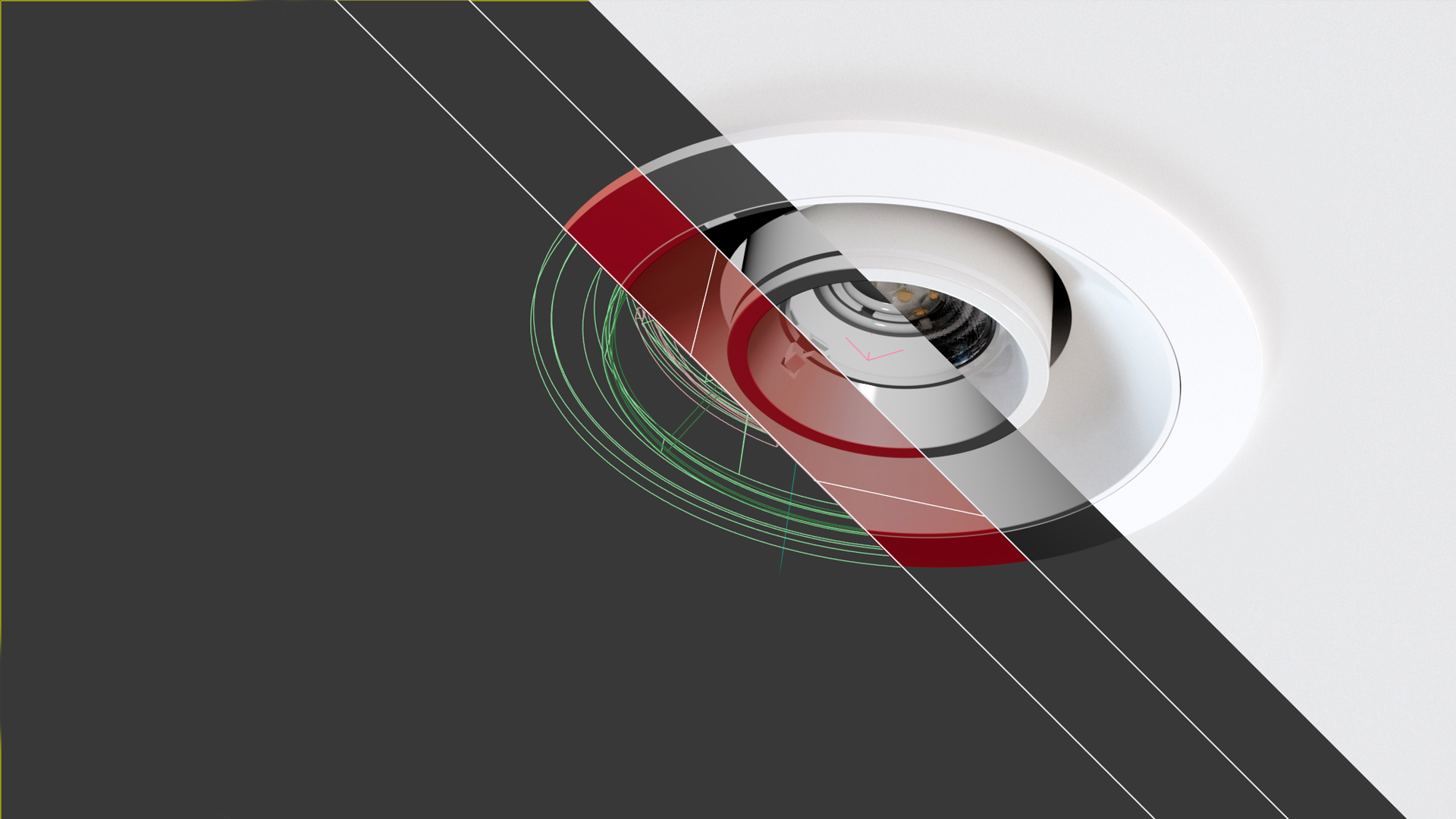
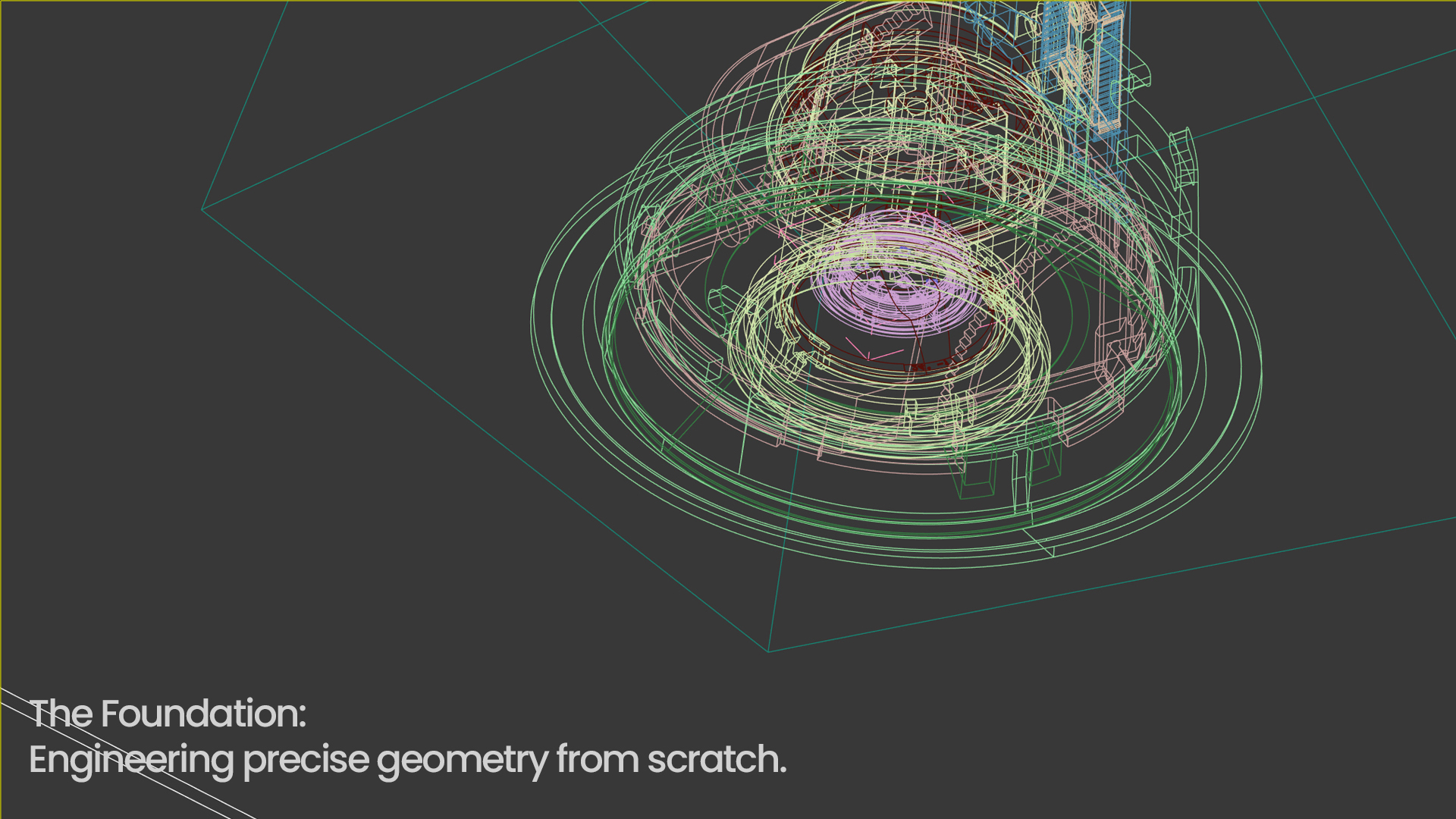
In our multimedia examples, you can see what the rendering workflow looks like behind the scenes. We demonstrate how a project appears inside the Autodesk 3ds Max viewport and how a raw polygon mesh is gradually transformed into a fully rendered, photorealistic product visualization.

🔗 Learn more: 3D Product Visualization – How It Helps Businesses Showcase Their Products


What Is the Difference Between 3D Animation and 3D Visualization?


The main difference lies in movement and the final output format: 3D visualization is a static, single image (render), while 3D animation is a moving sequence consisting of thousands of individual frames. Visualization focuses on aesthetics, details, and presenting a product from a specific viewpoint, whereas animation demonstrates processes, mechanical operation, and functionality over time.


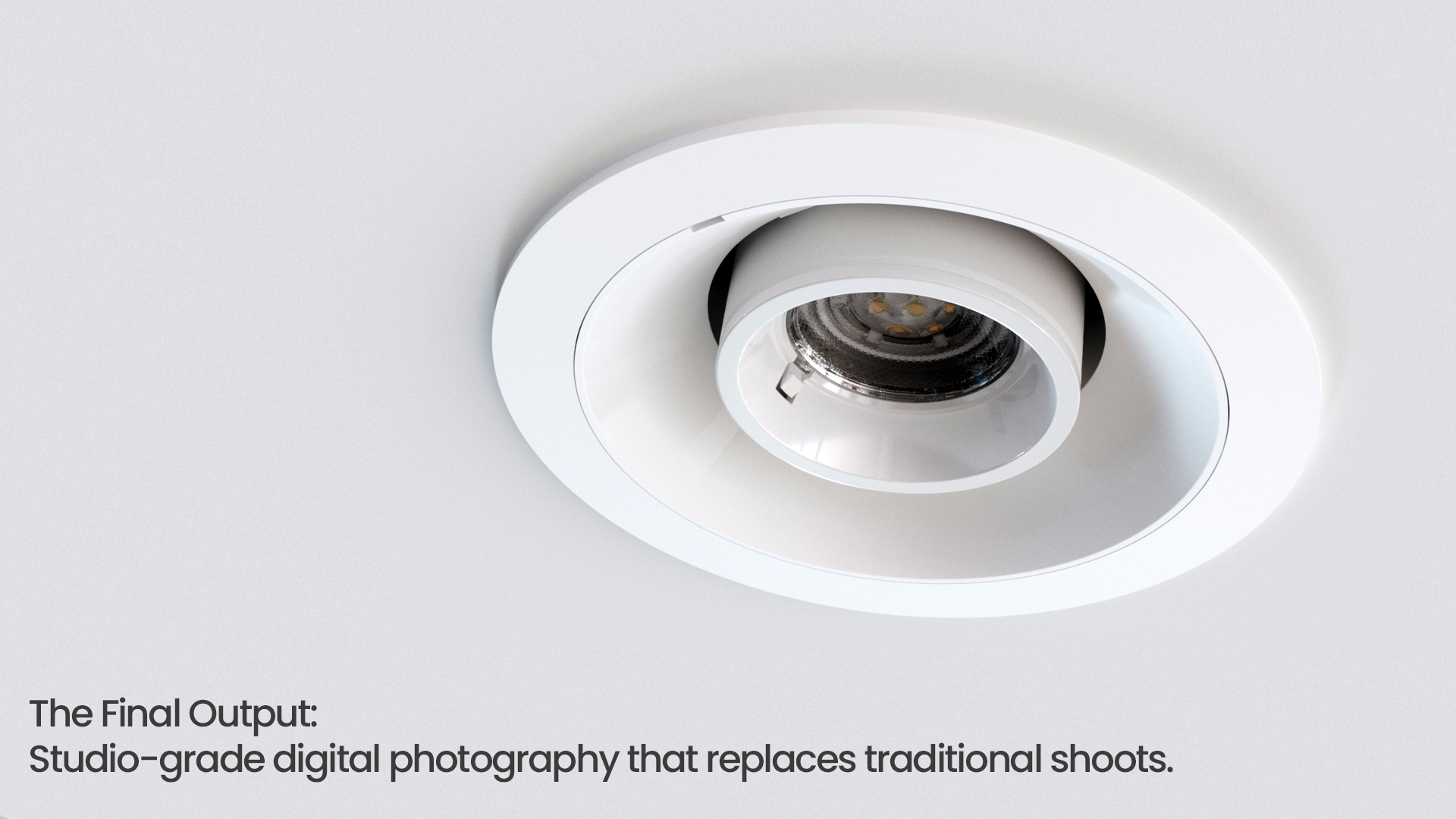
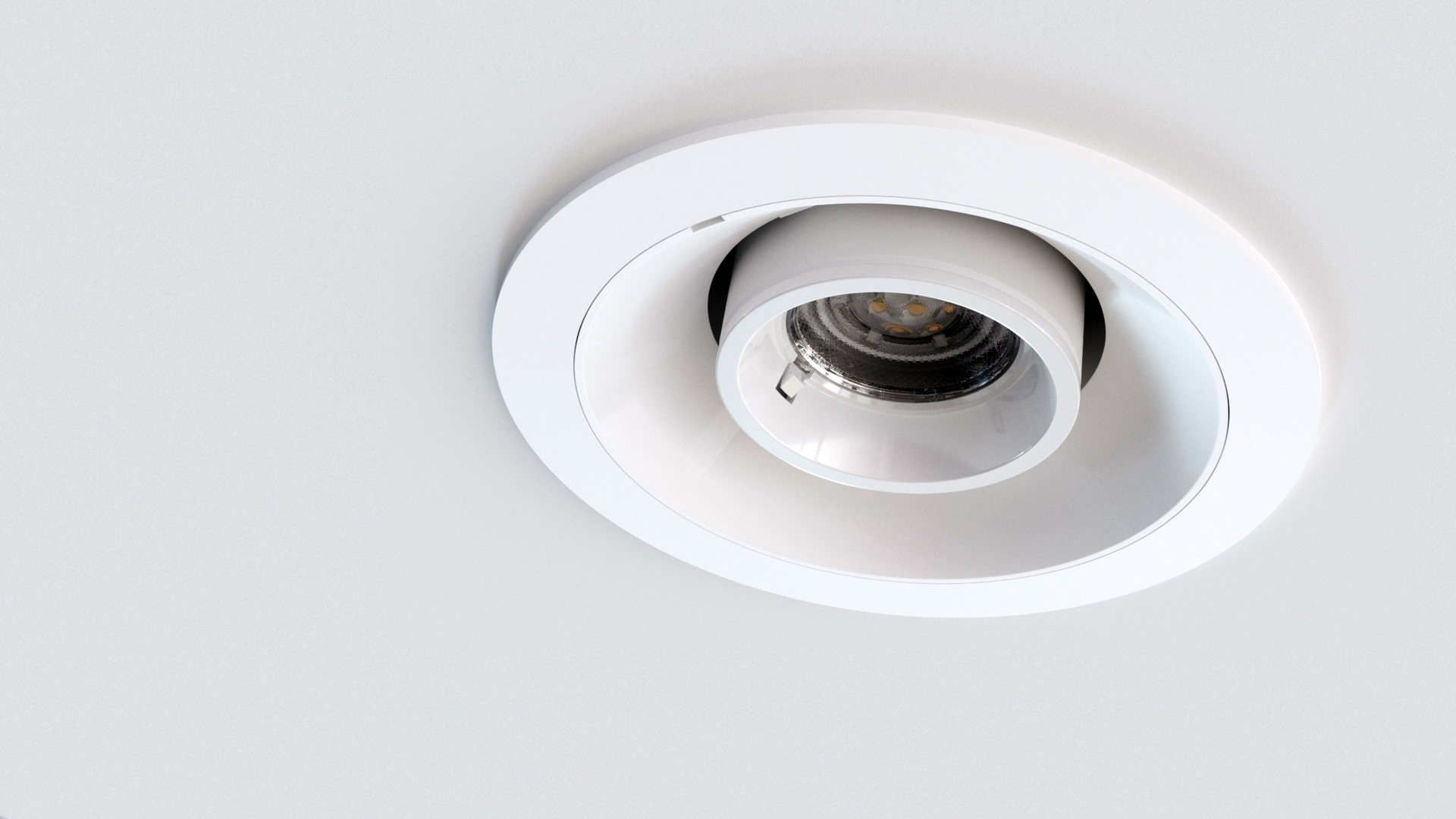
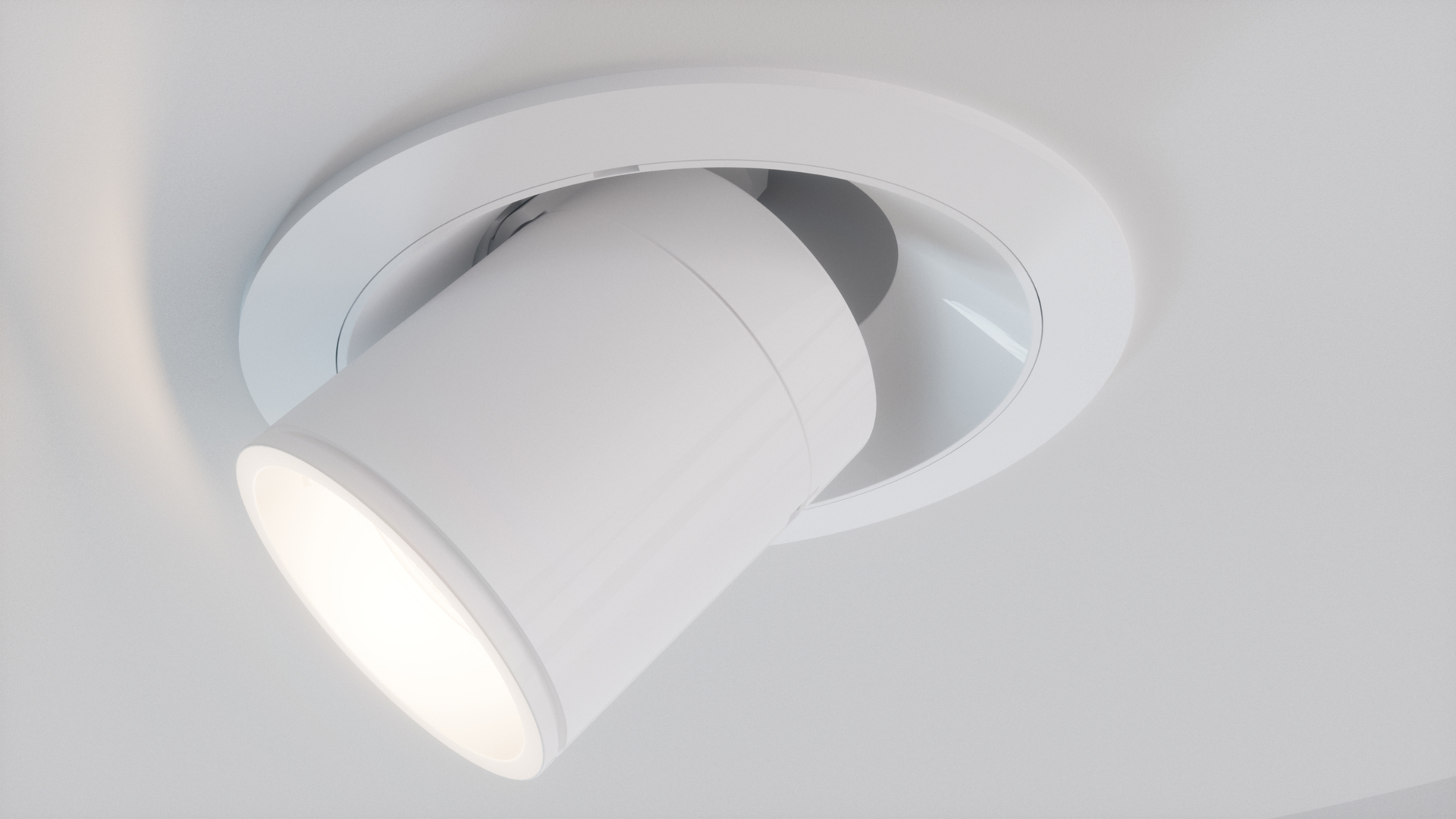
A great example is a modern lighting fixture that we presented in the adjacent gallery and video sections. The exact same object was shown both as a perfectly lit, static product image (3D visualization) and as a dynamic video presentation demonstrating its actual range of movement and functionality (3D animation).


For better business and contractual clarity, the key differences can be summarized as follows:


Feature 3D Visualization 3D Animation
What does the client see? A static image (similar to product photography). A moving video (similar to an advertising spot or instructional video).
Main applications Catalogs, websites, banners, sales presentations. Trade shows, social media, ROI presentations, training materials.
What exactly do you receive? (File formats) High-resolution image files: .JPG, .PNG (with transparent background), or lossless .TIFF / .PSD files. A finished high-resolution video file (Full HD/4K): .MP4 or .MOV (H.264/H.265 encoding).
Pricing model Price per shot / frame (a specific number of rendered images). Price per second / minute of the final edited video.
Responsywny Film z YouTube – Modii3D

Advanced Technical and Industrial Terminology


What Is a Digital Twin?

A Digital Twin is a virtual replica of a physical object, machine, process, or an entire production line that reflects its real-time condition and behavior. In industrial environments, it is used for simulation, performance optimization, and predictive maintenance, allowing companies to identify potential failures without interrupting the operation of an actual factory.

🔗 See a Digital Twin in action: Industry 4.0 by Gustav Wolf

What Is the Difference Between Low-Poly and High-Poly Models?

The difference lies in the level of detail and polygon count. Low-poly models contain a limited number of polygons and are optimized for smooth performance in VR/AR applications, real-time environments, and interactive experiences. High-poly models contain a much higher level of geometric detail and are used for photorealistic renders and product animations, where visual quality is more important than application performance.


What Does Real-Time 3D Mean?

Real-time 3D is a technology that generates three-dimensional graphics instantly, allowing users to interact with digital environments with immediate visual feedback. It is the foundation of VR, AR, and interactive product configurators used on websites and in digital sales tools.


Immersive Technologies: VR and AR for Business


What Is the Difference Between VR (Virtual Reality) and AR (Augmented Reality)?

VR (Virtual Reality) completely immerses the user in a digital environment, disconnecting them from the physical world and transporting them into a fully virtual space through dedicated headsets (for example, a virtual factory simulation). AR (Augmented Reality), on the other hand, overlays digital 3D elements onto the real world using a smartphone display or specialized smart glasses.


If you want to learn more about the process of creating 3D materials, check out these articles:


· How to Prepare for a 3D Animation Project?
· What Are .STEP Files and How Do We Use Design Data in 3D Animations?
· Technical and Instructional 3D Animations
· 3D Animations in Advertising

Contact us to learn more!
Blog

3D visualization – how it helps companies present their products

Previous