


Project 3D Animations
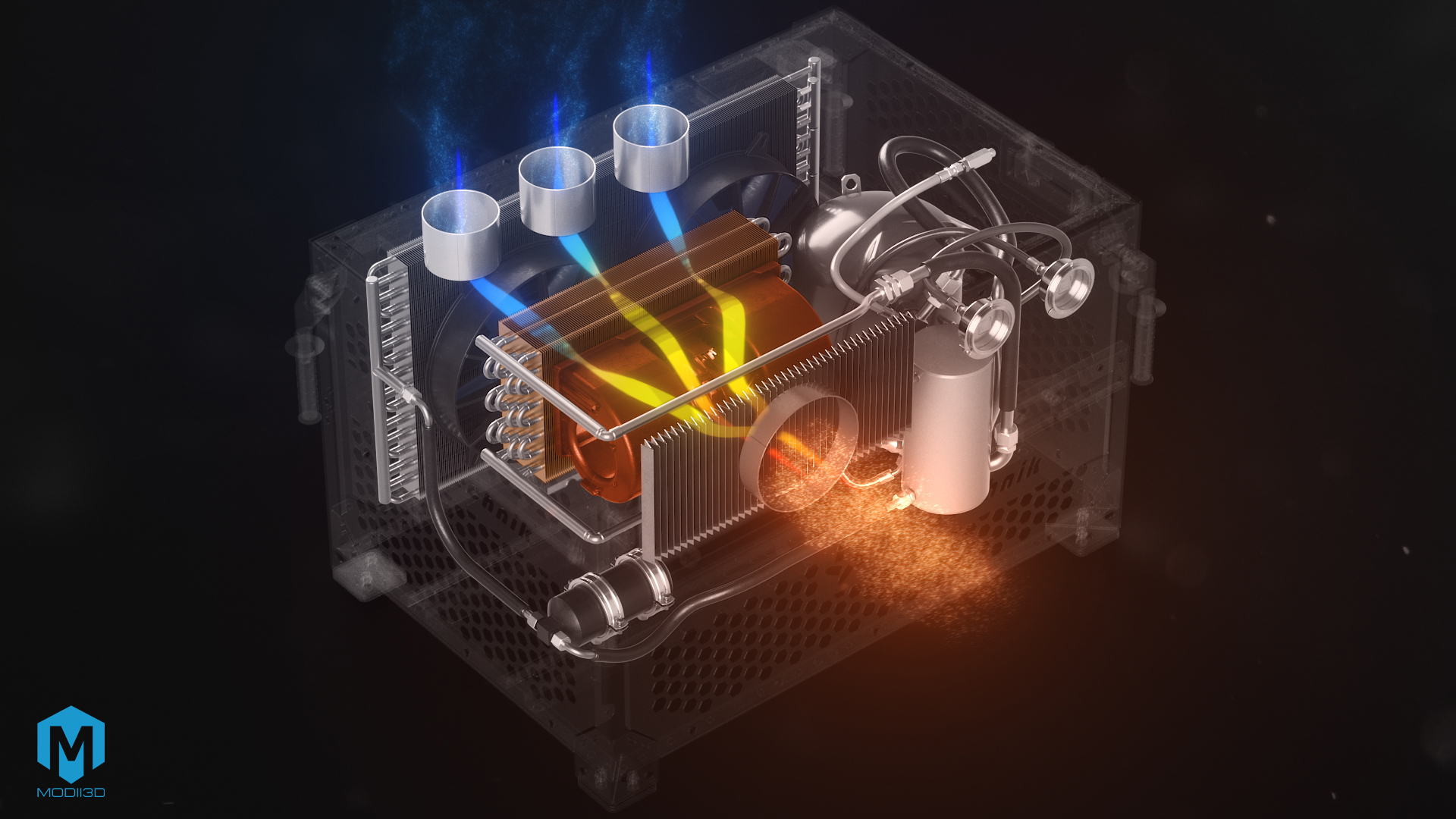
3D technical animation of industrial equipment – AS Technik case study
From CAD files (.step) to 3D fluid dynamics – precise 3D technical animation.
Implementation Summary:
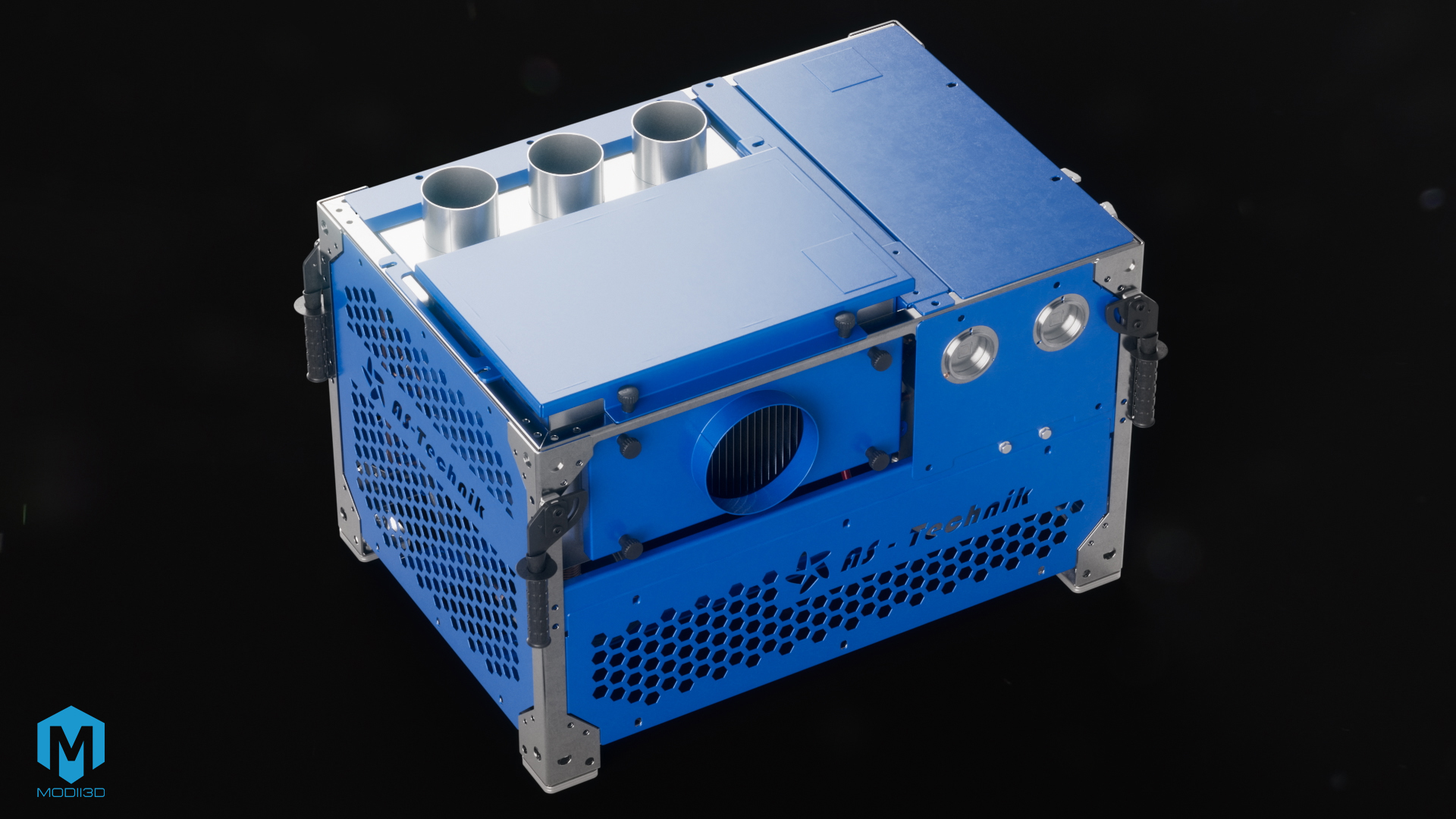
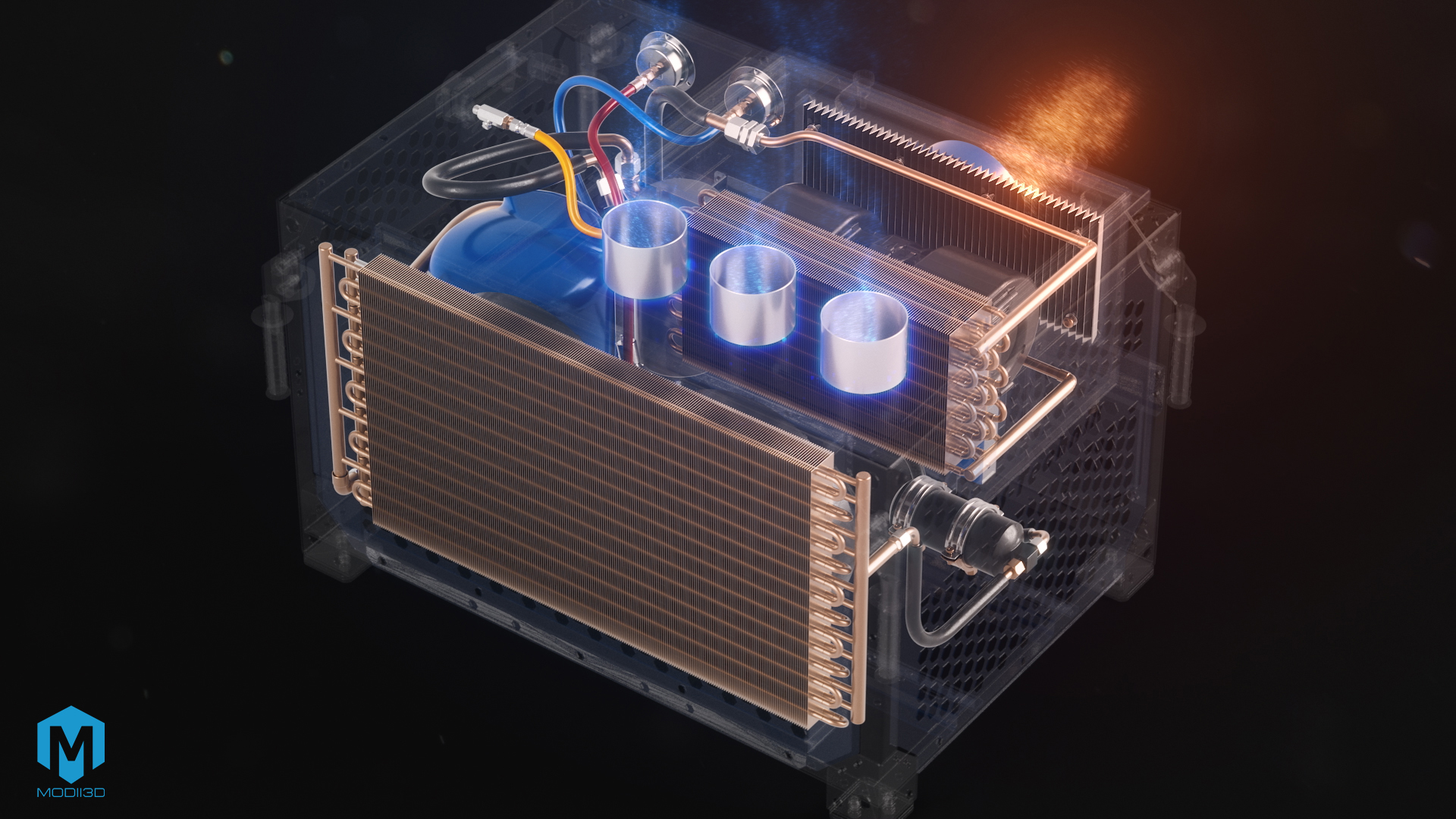
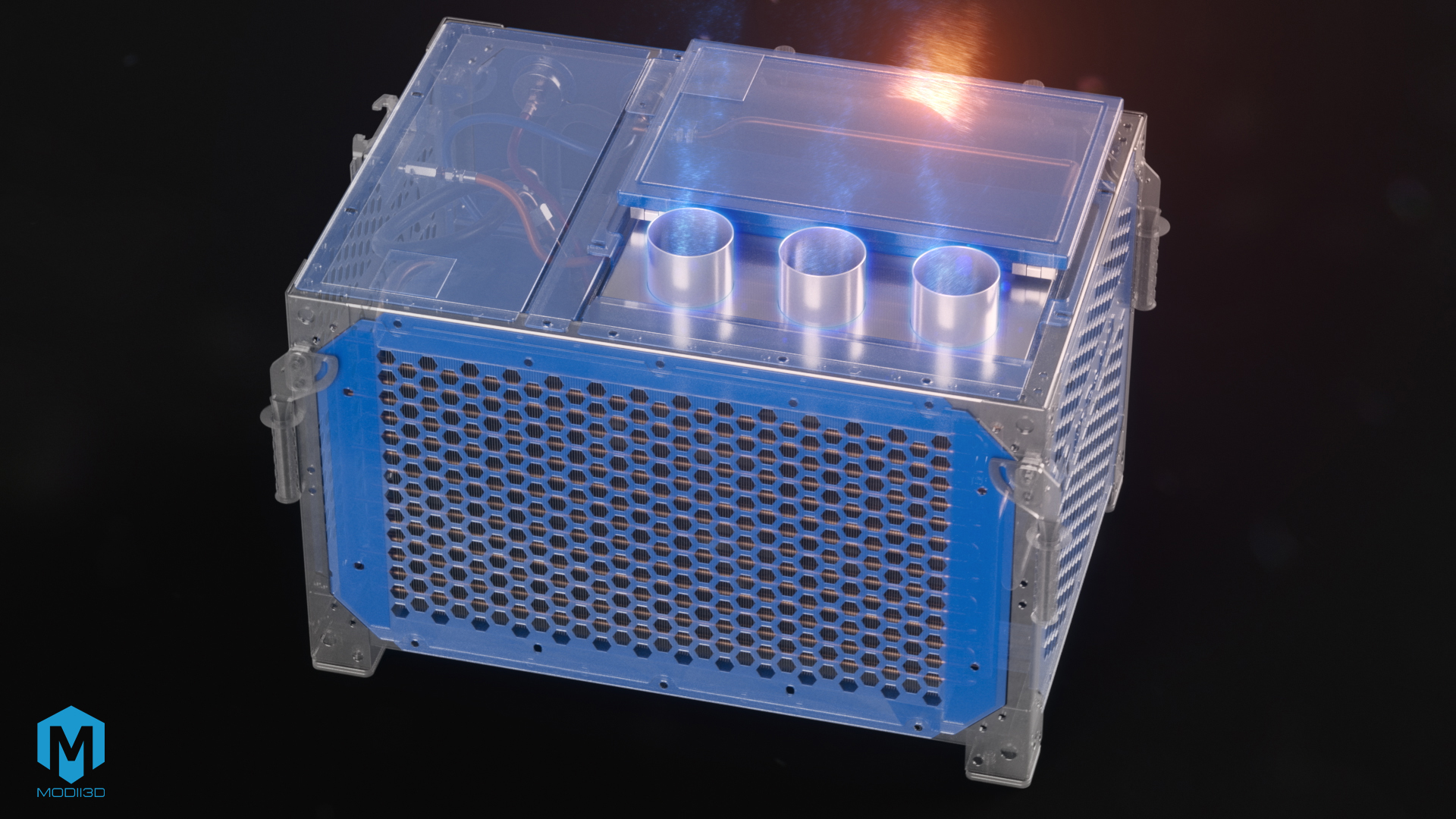
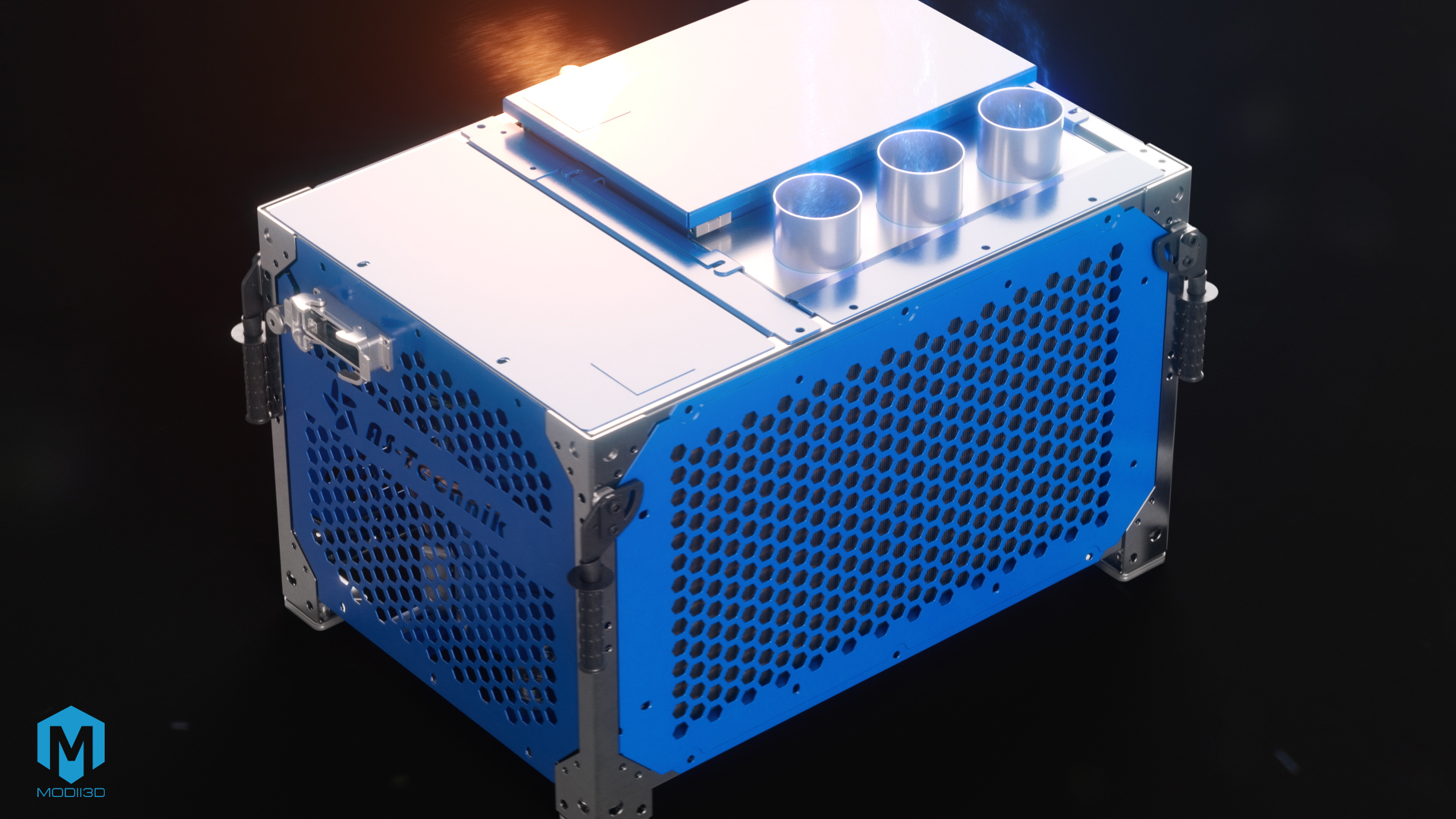
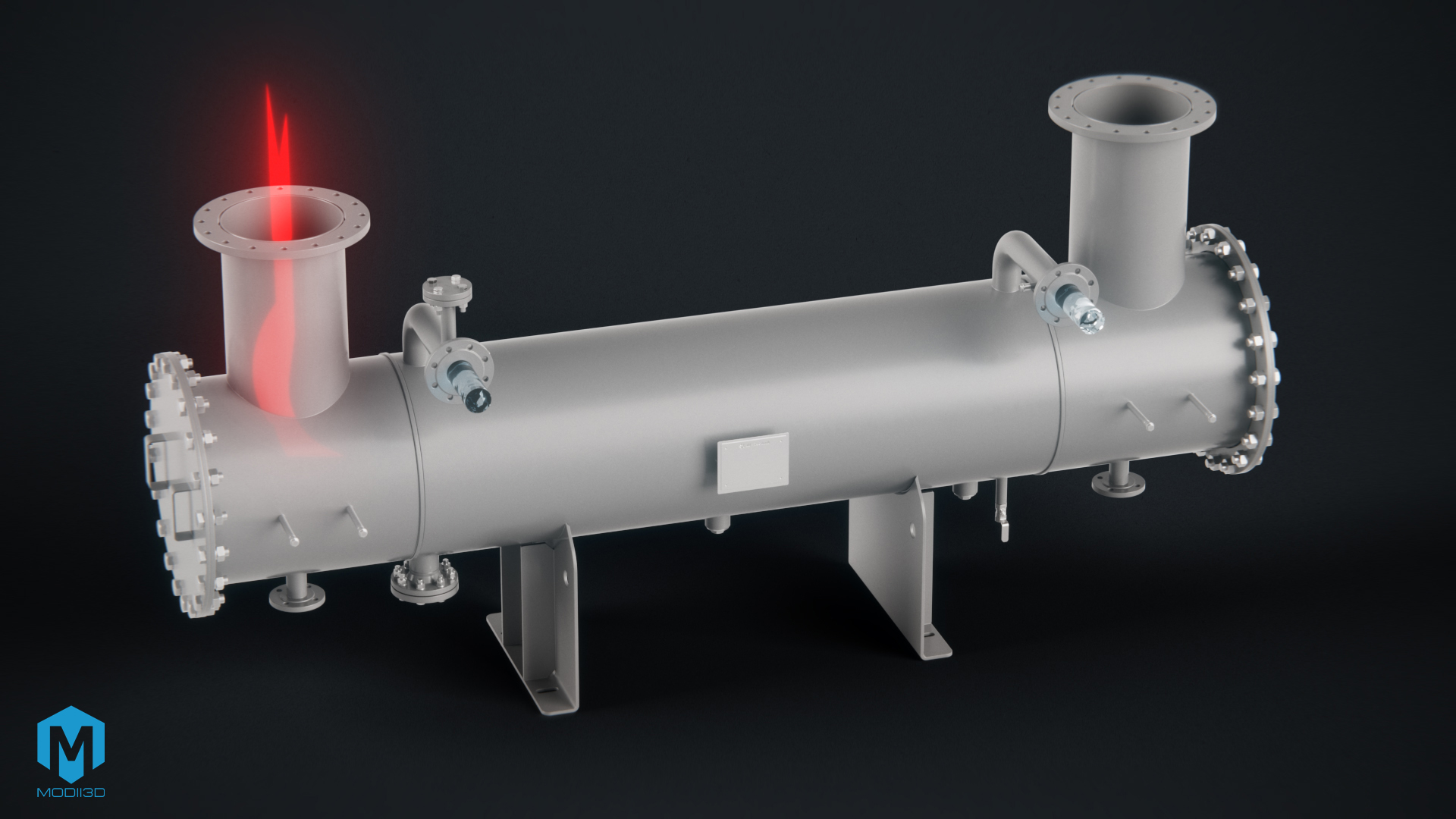
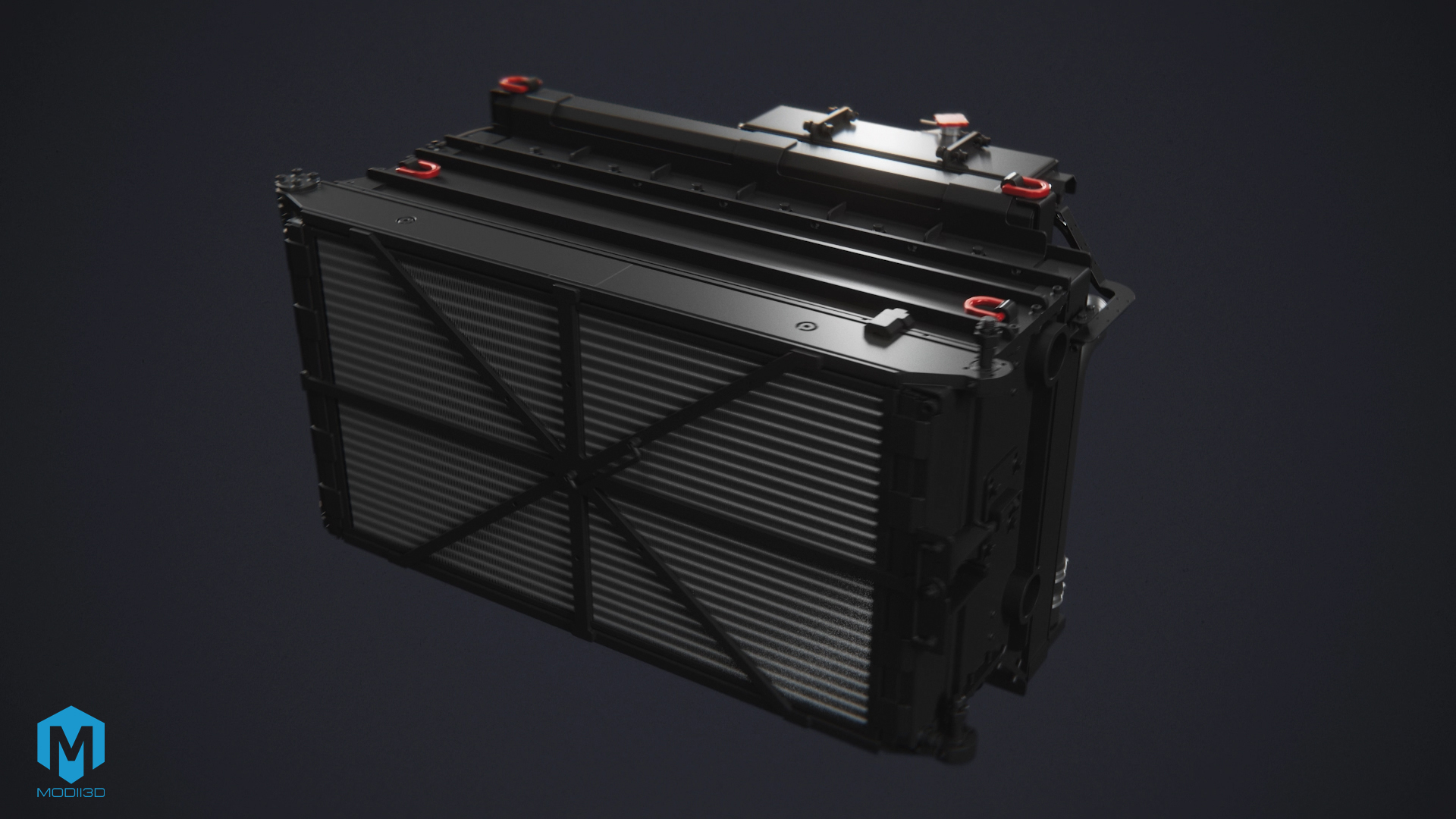
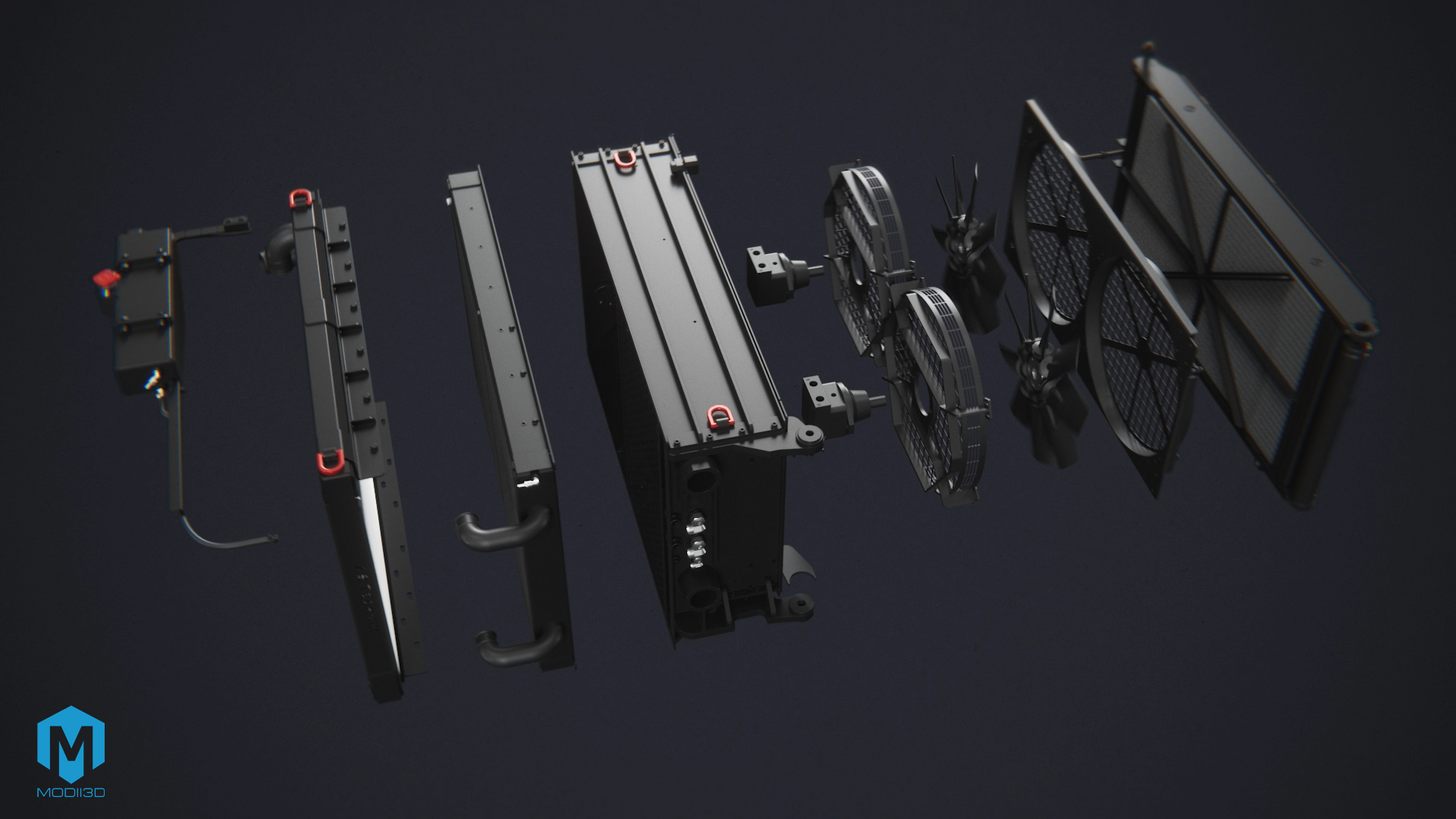
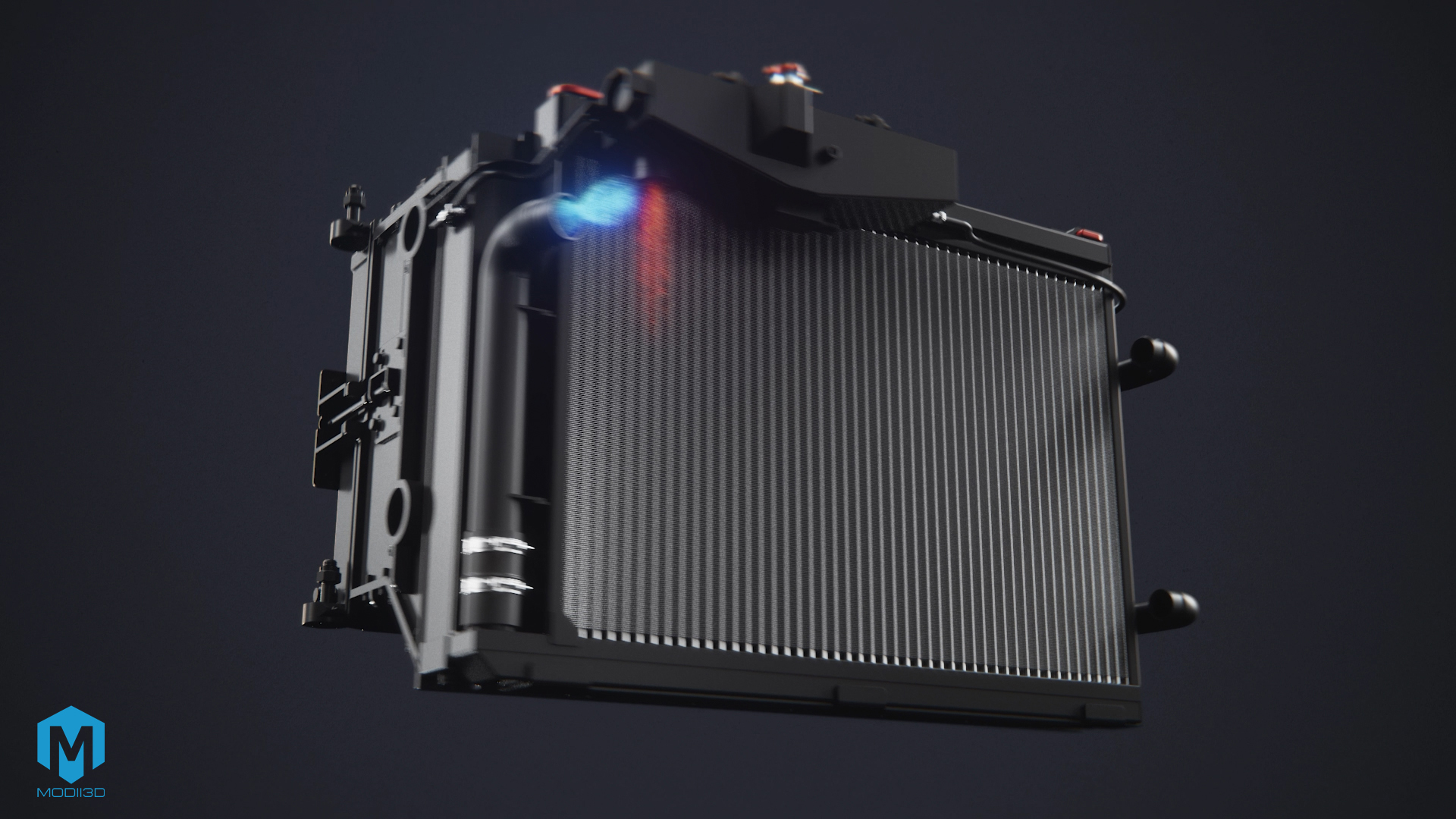
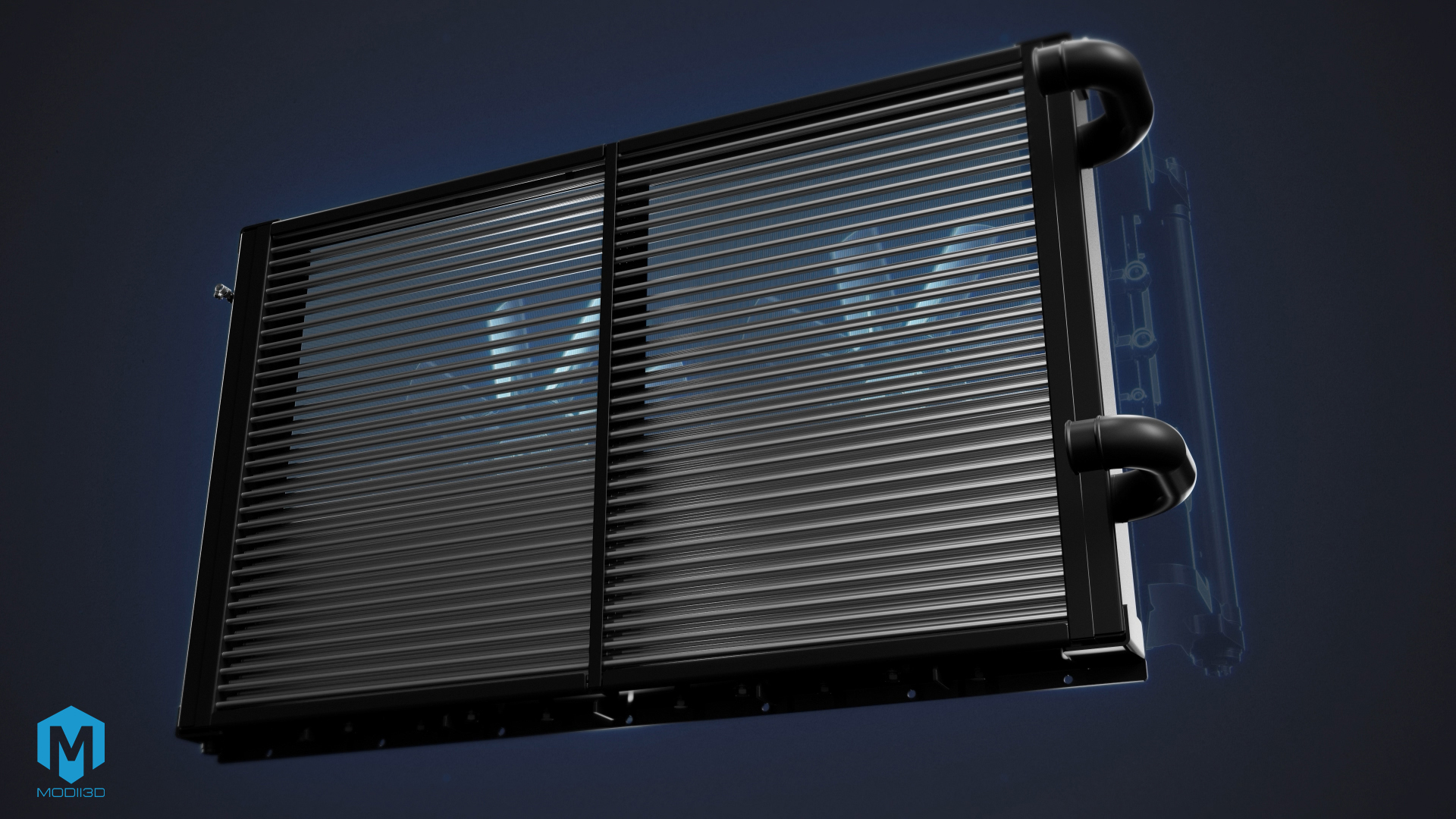
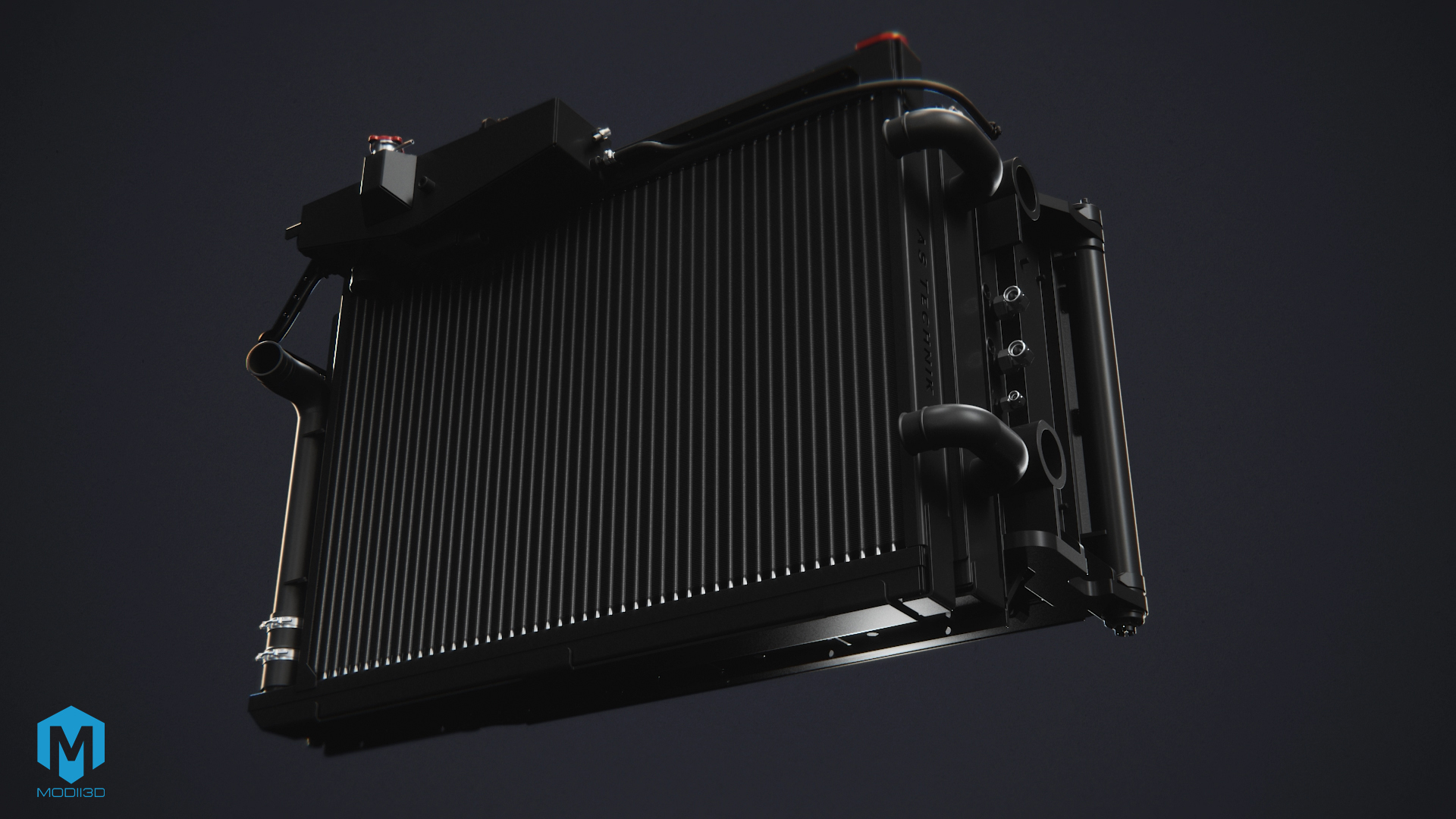
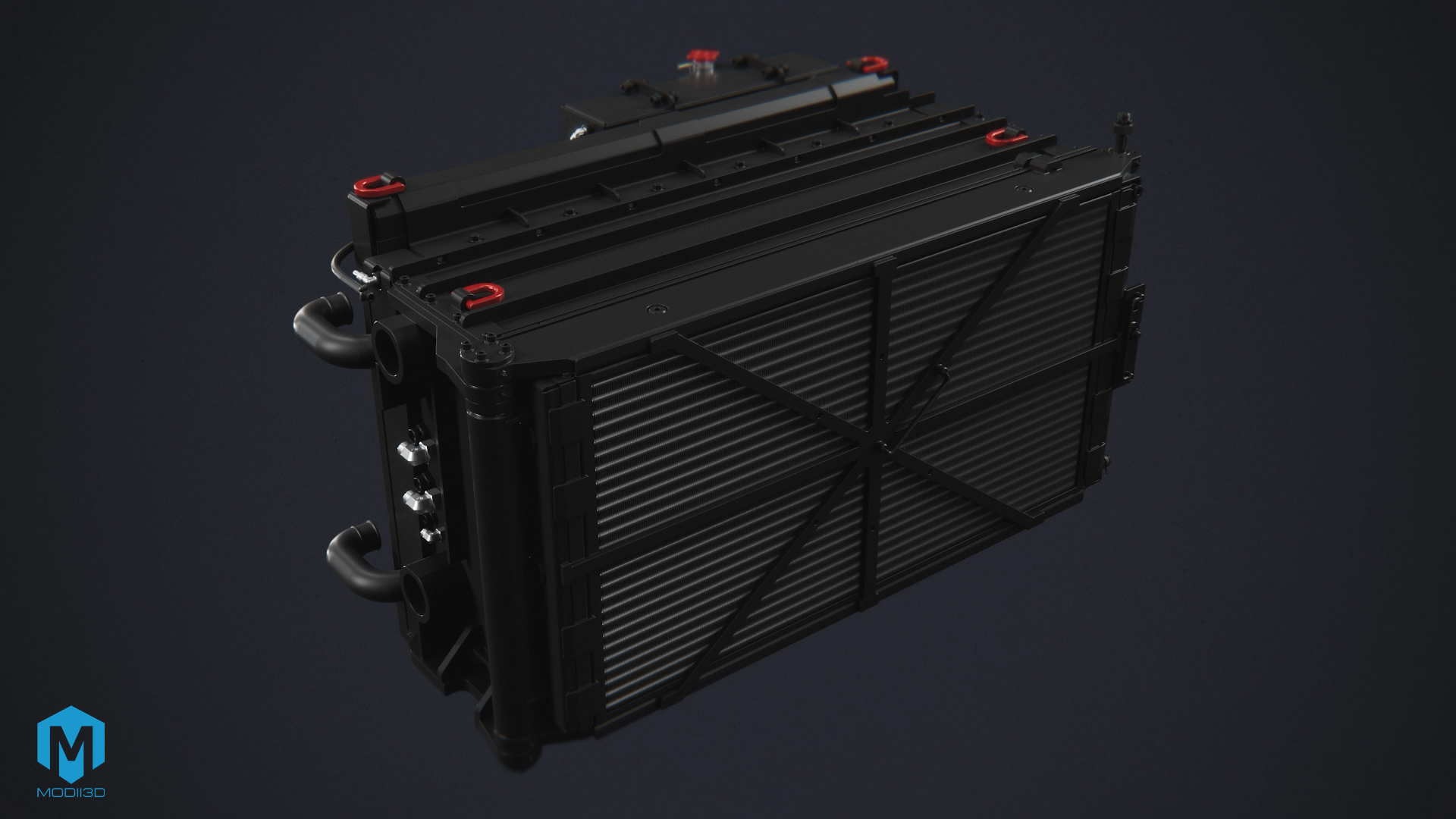
For As-Technik, we developed a 90-second seamless loop 3D technical animation optimized for homepage playback. Based on the provided CAD (.step) documentation, we conducted a geometry audit and built photorealistic 3D models of three HVAC/R devices: a fan cooler, a water-jacket heat exchanger, and an industrial air conditioner. A key element was the implementation of particle systems, X-ray effects, and color coding to visualize invisible thermodynamic processes.
1. Project Context and Business Goal
AS Technik, based in Lubin, is a valued provider of advanced heat exchange solutions. The main goal of the project was to create a flagship 90-second 3D product animation designed for the Hero section on the homepage.
The animation was designed to present the operating principles and structural features of three key products from their offering in a simple, visually appealing, and technically uncompromising manner:
- An industrial fan cooler with a dedicated ventilation system,
- A heat exchanger equipped with a water jacket,
- A high-efficiency industrial air conditioner.
The primary challenge was translating complex thermodynamic phenomena into an accessible language for B2B clients while maintaining full engineering precision.
2. Engineering Process: From CAD (.step) Files to 3D Fluid Dynamics
Our process for creating industrial equipment animations was built on close work with raw technical documentation provided by the client.
CAD/CAM Geometry Audit and Retopology
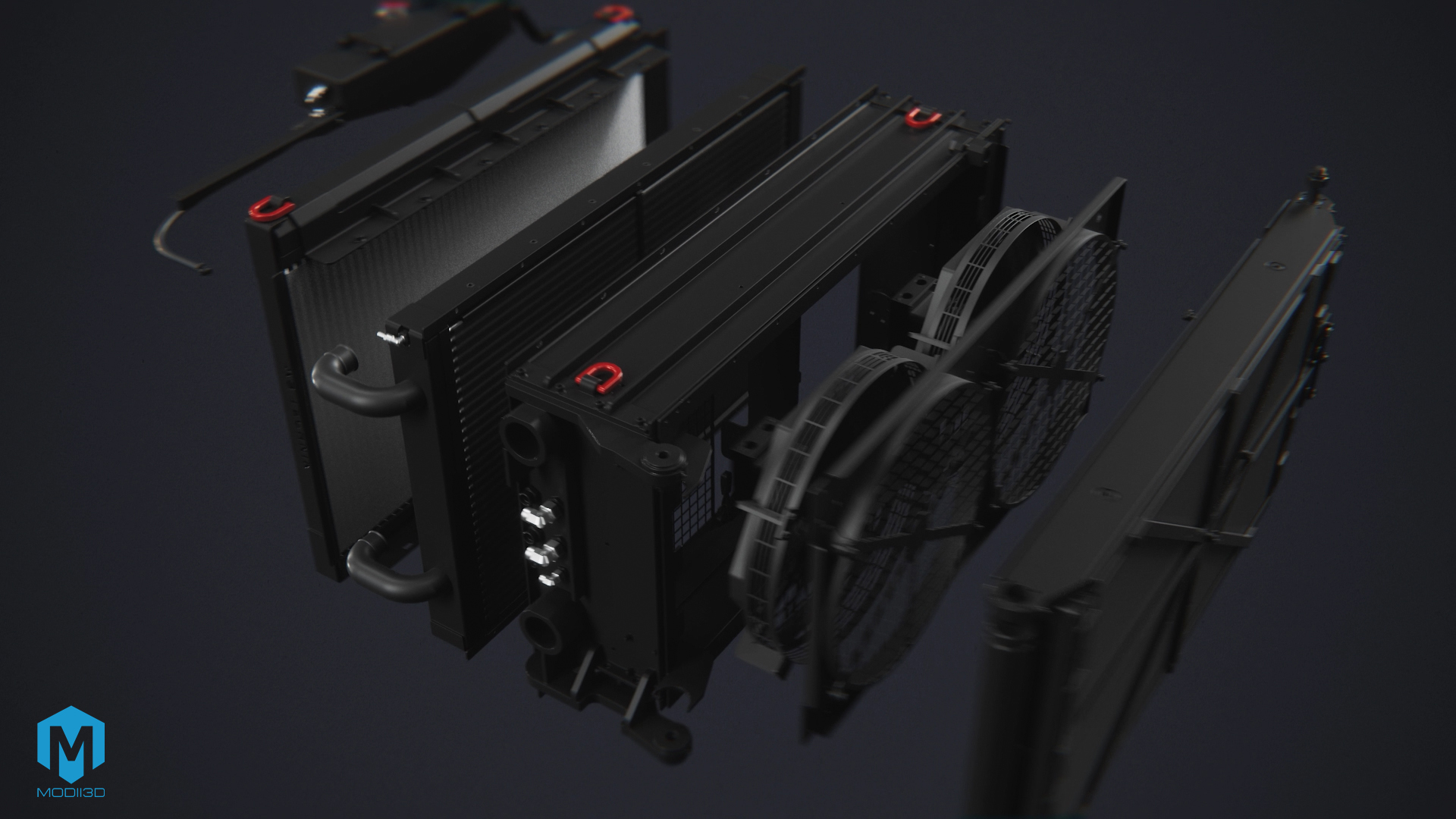
The starting point was engineering design files in the .step format. The first stage involved a thorough inventory of the models – detecting and removing geometry collisions while supplying missing internal components. We then performed retopology, converting heavy CAD meshes into optimized 3D models tailored for smooth animation rendering.
Flow Visualization – Particle Systems
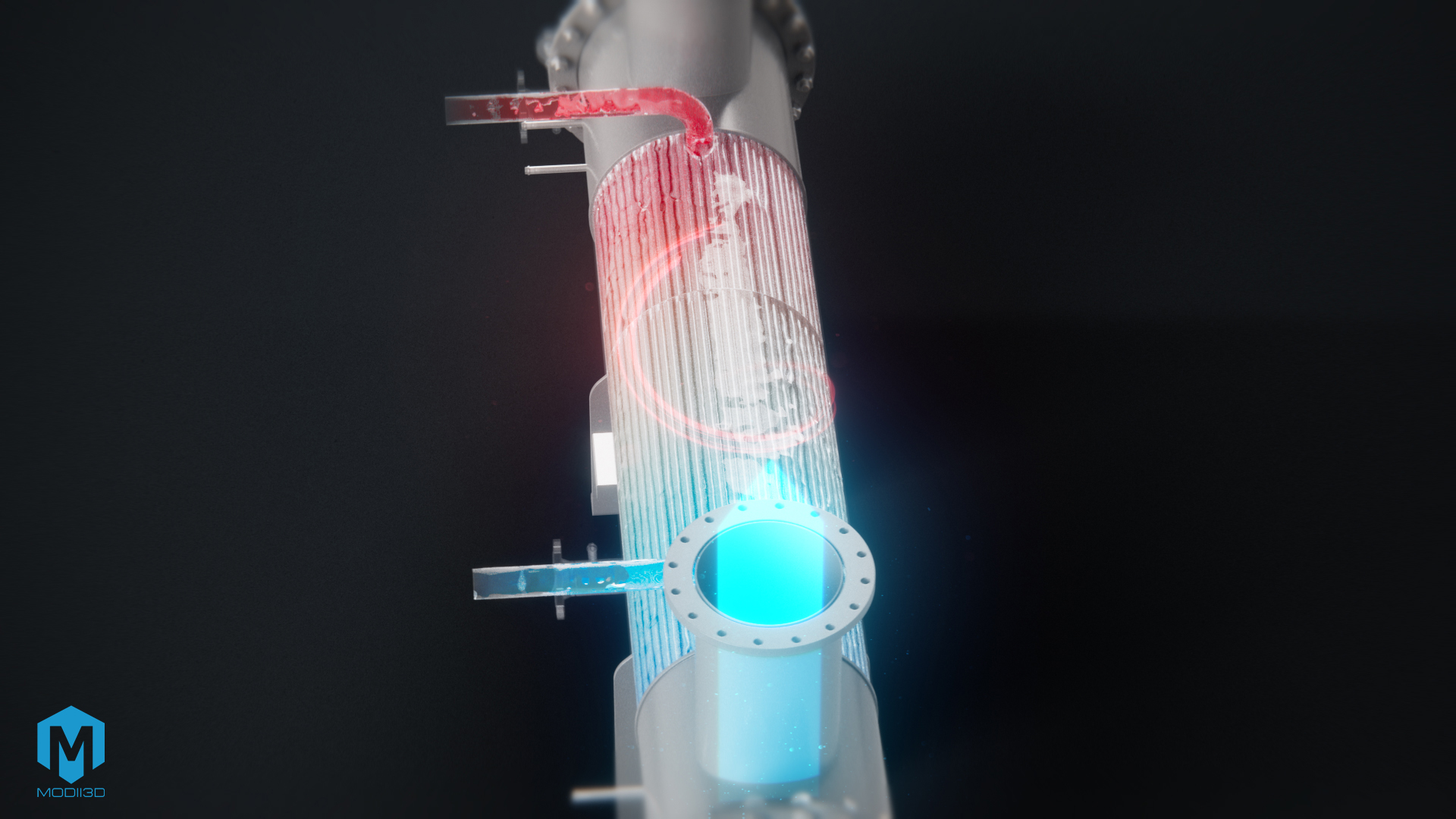
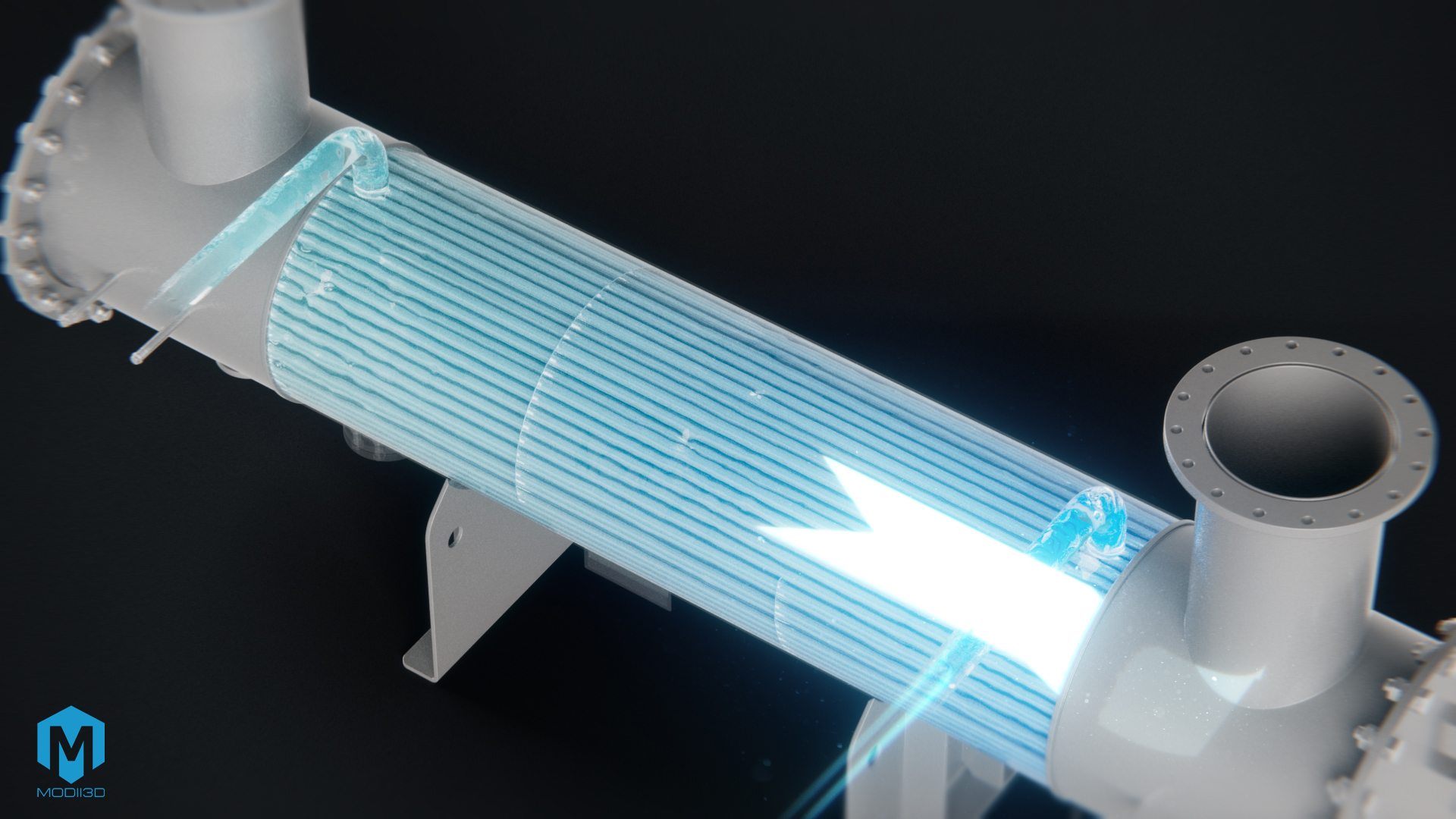
The core of the implementation was revealing what is invisible to the human eye. To showcase fluid dynamics inside the equipment, we applied advanced particle systems:
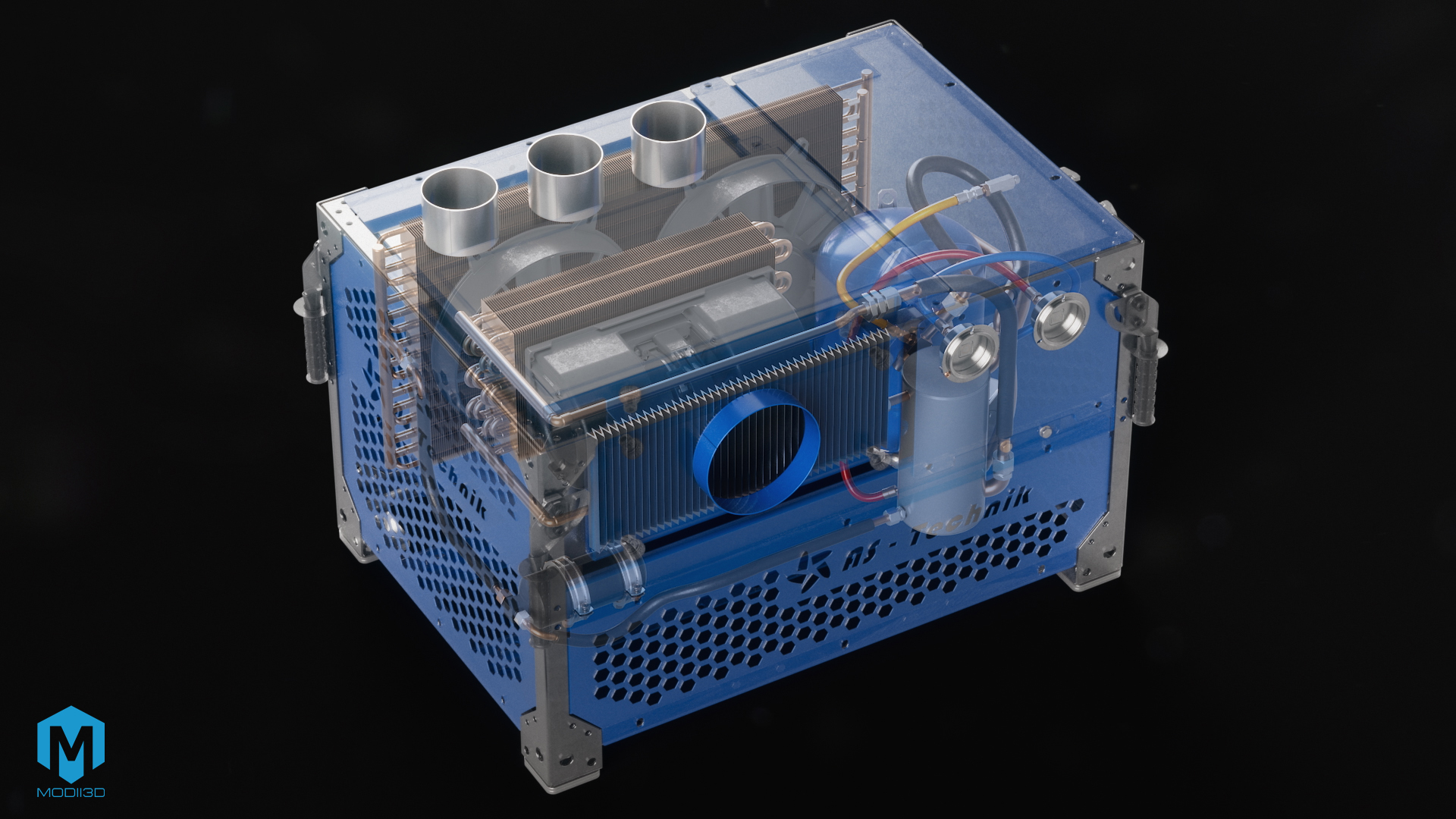
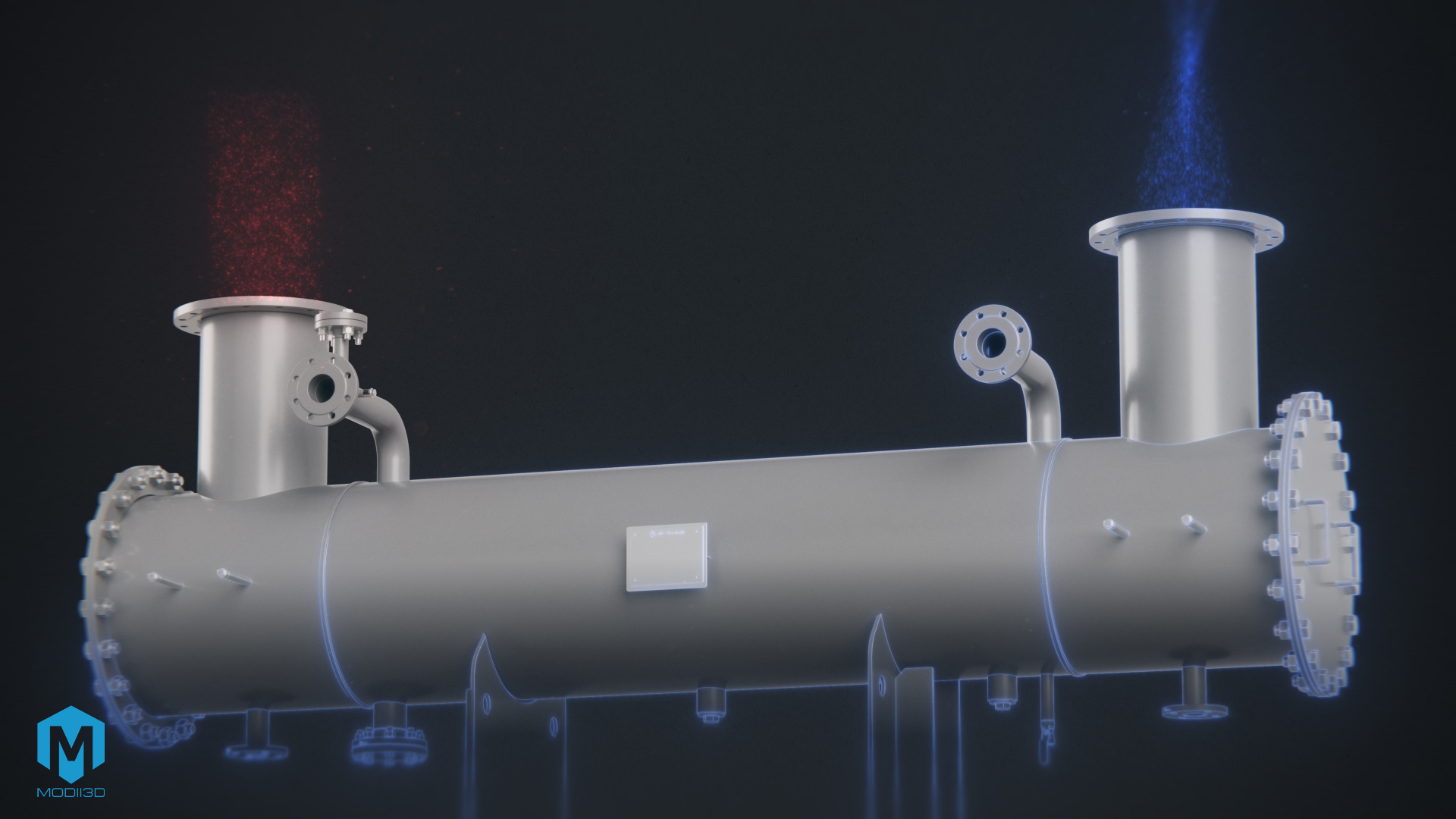
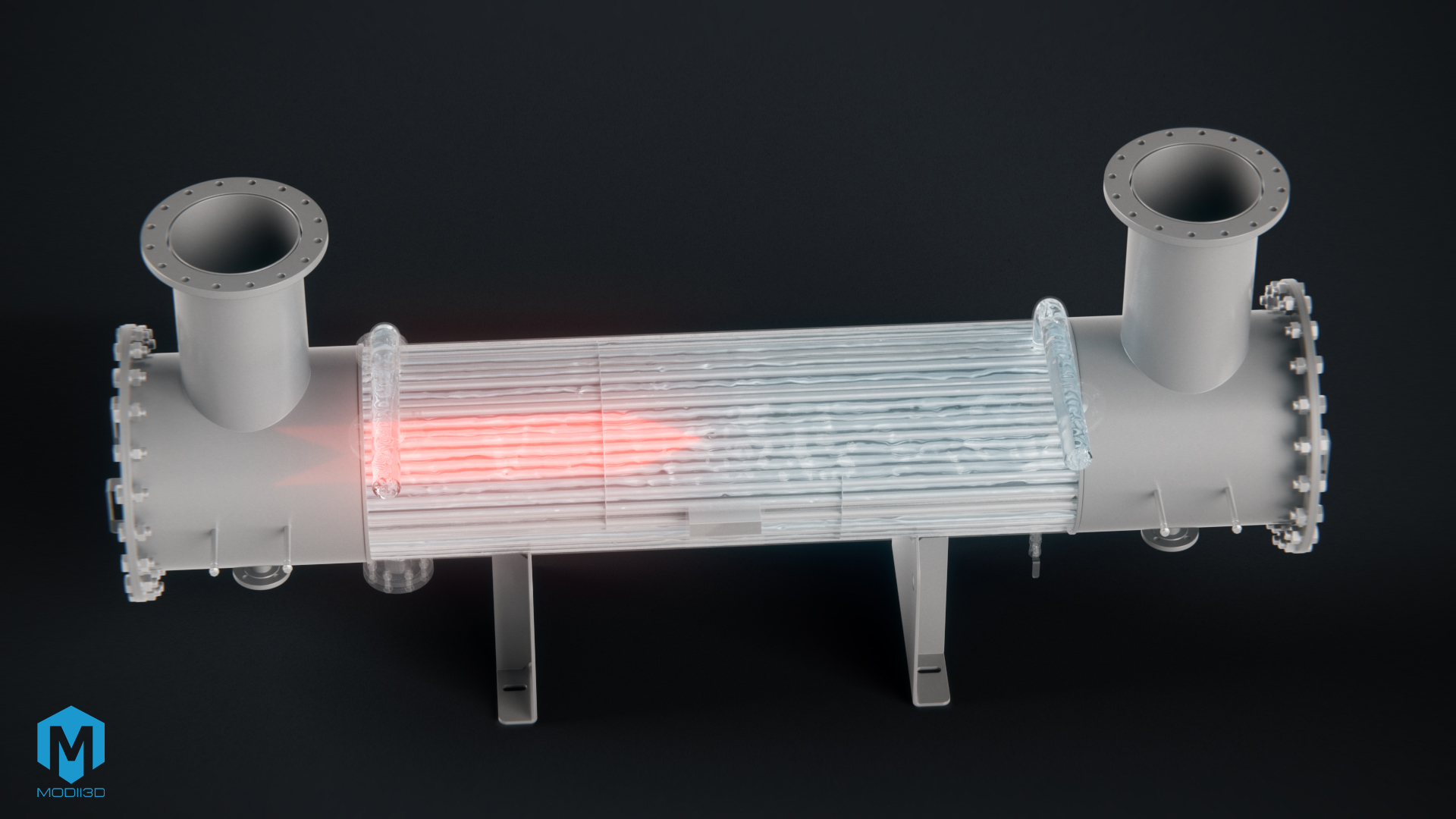
- X-Ray Effect and Cross-Sections: Allowed us to “see through” steel enclosures and show the internal construction of the water jacket and cooling loop.
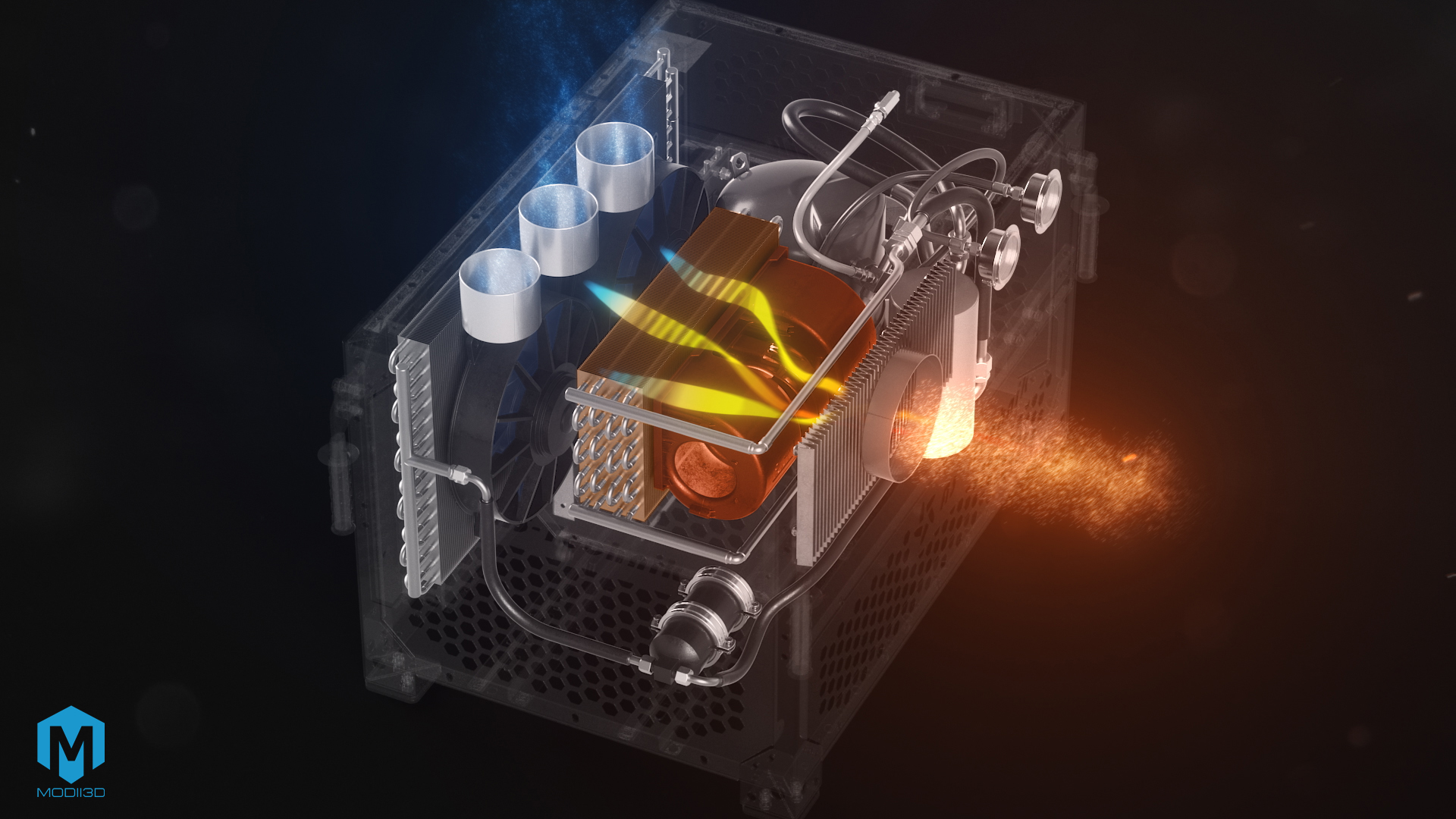
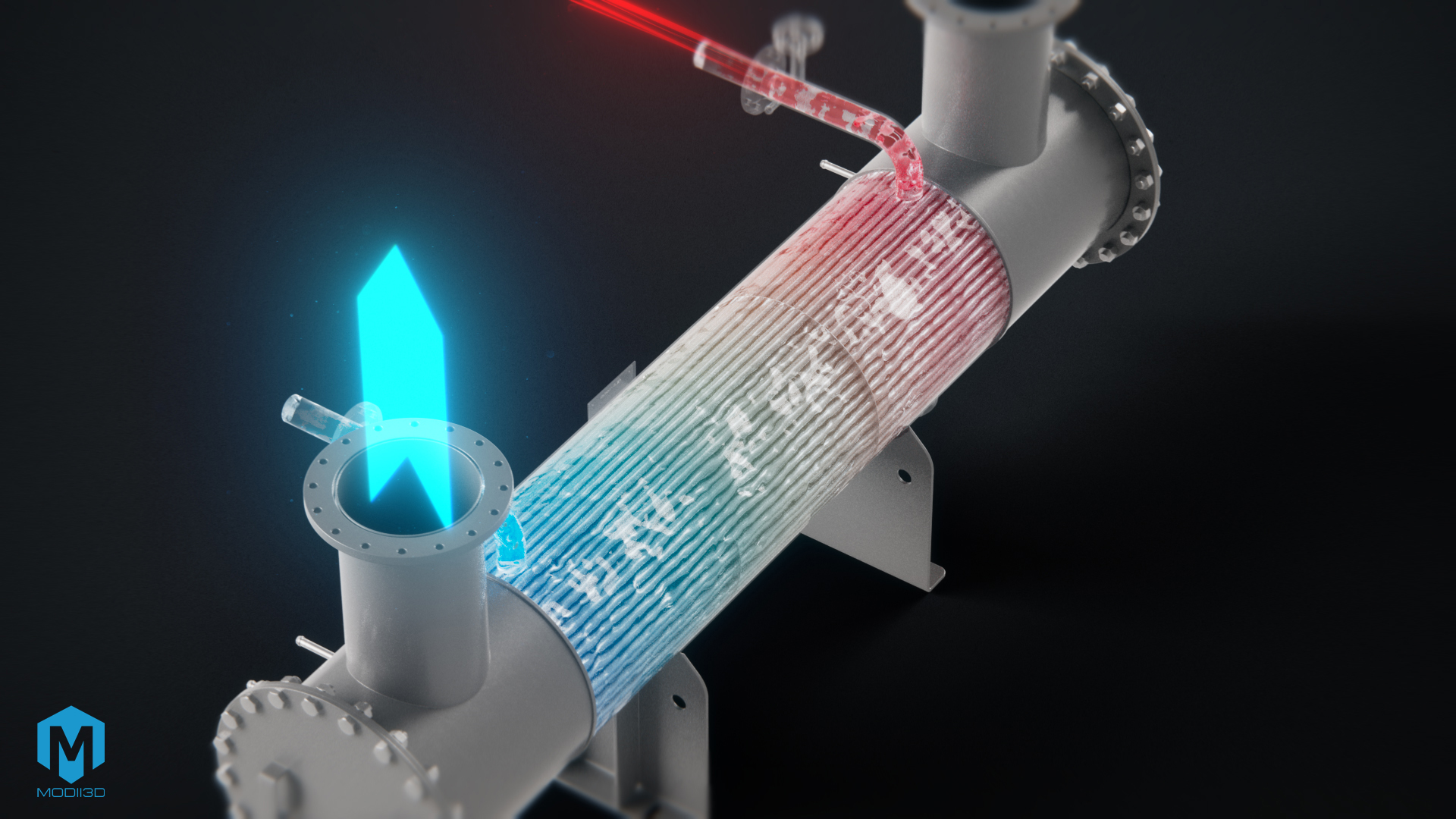
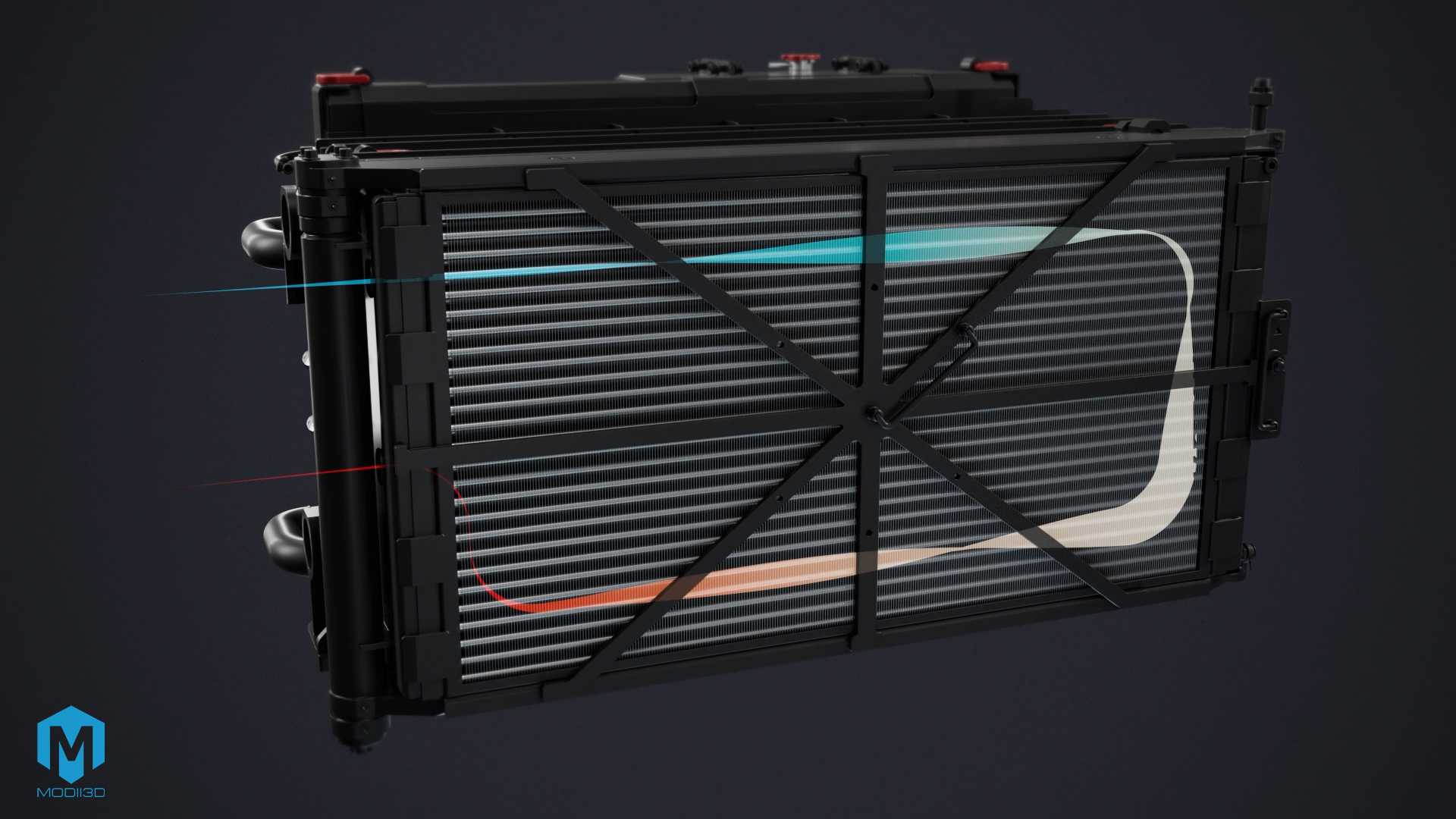
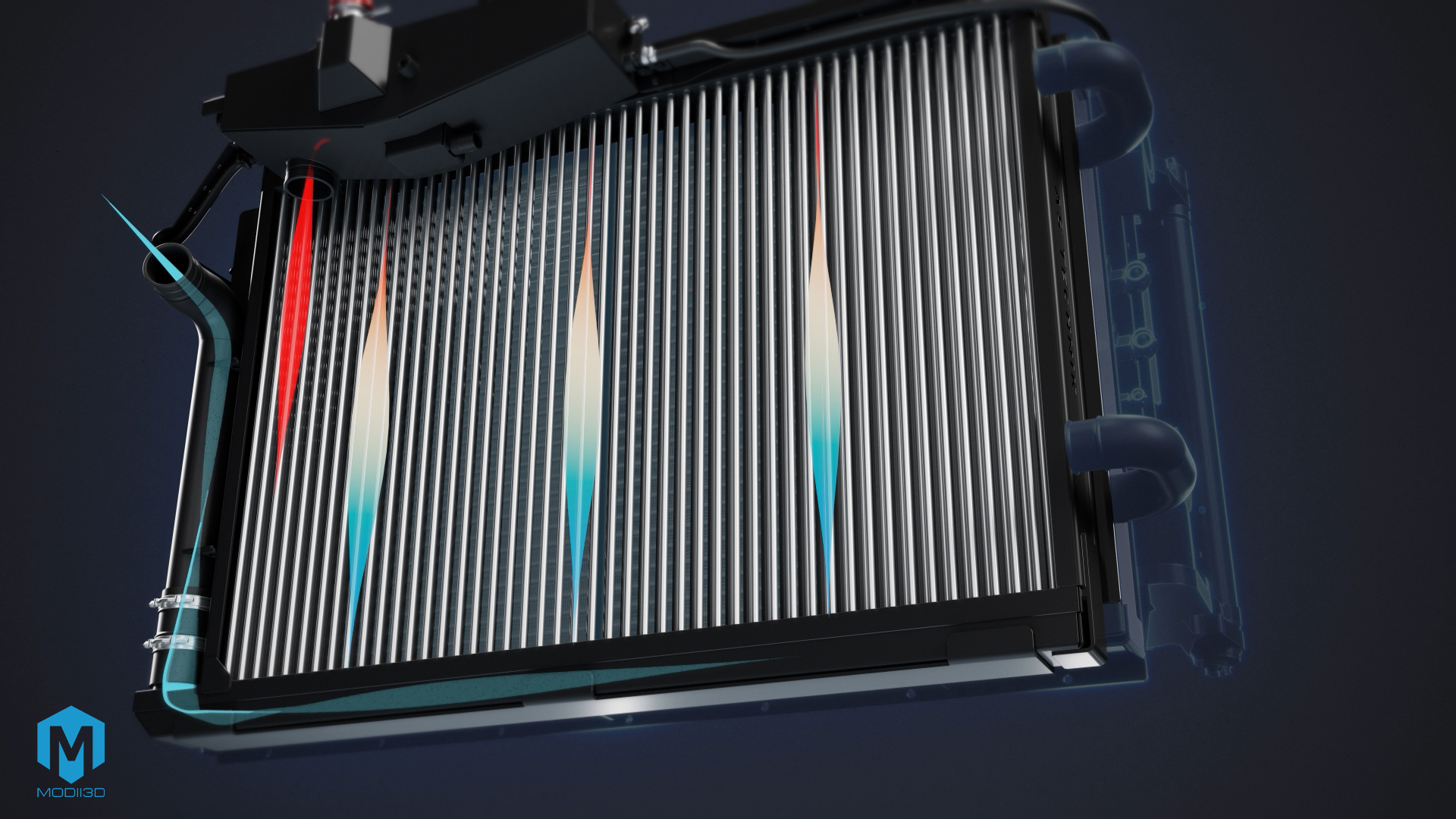
- Working Media Visualization: Precise animations simulating the movement of liquids, gases, and airflow through exchanger channels.
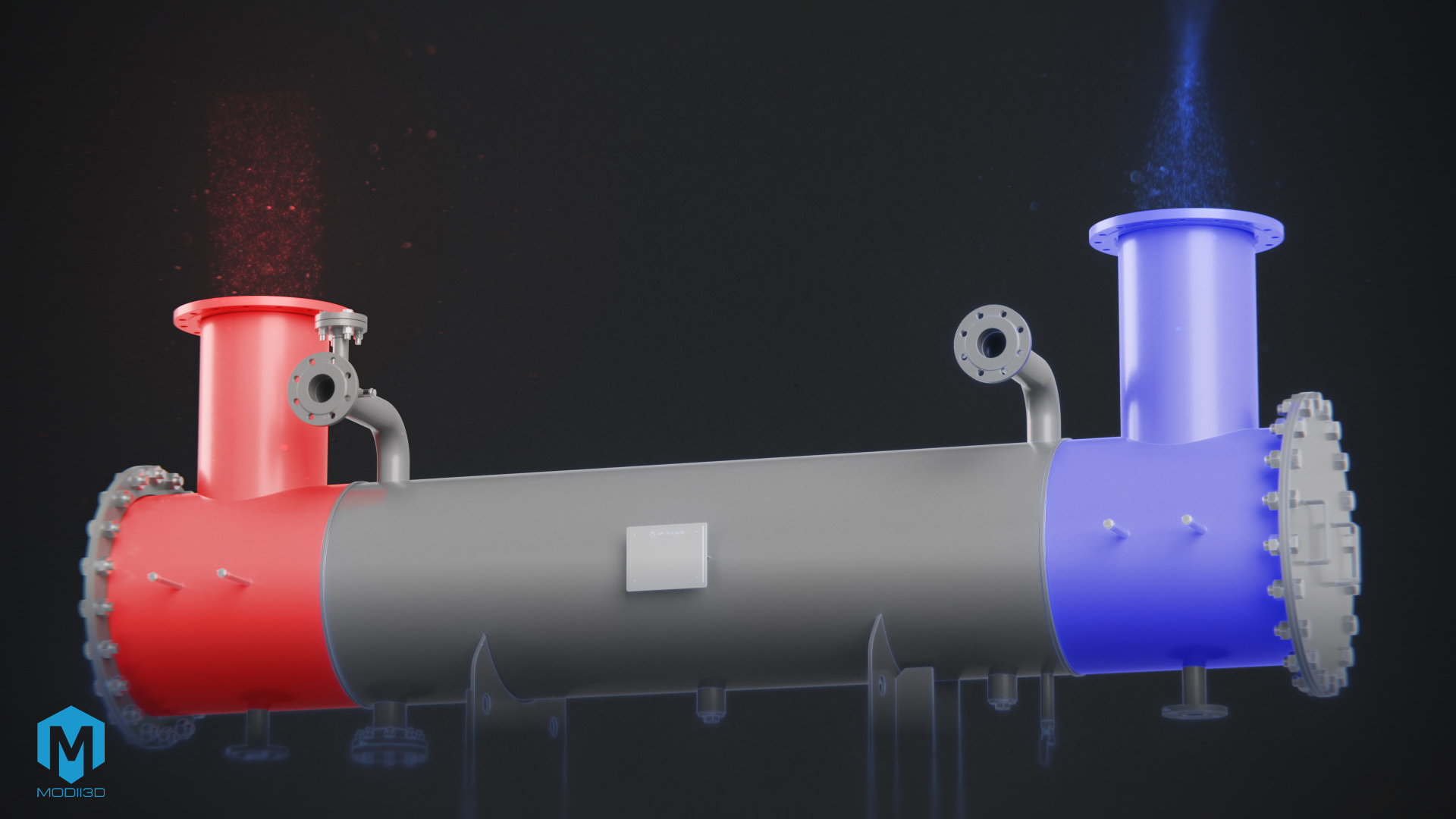
- Thermal Color Coding: Using temperature gradients (ranging from cool blue to hot red) intuitively explains the efficiency of the heat exchange and cooling process.
3. Post-Production, Dynamic Callouts, and Web Optimization
Geometry alone is only half the battle. To ensure the animation serves as an effective sales tool on the website, we subjected it to comprehensive post-production:
- Dynamic Technical Callouts: We introduced animated text labels (callouts) that track key equipment components in real time, indicating their names and parameters.
- Branding and Smooth Transitions: Smooth, seamless transitions between modules and a consistent visual identity for the AS Technik brand.
- Seamless Loop Animation for UX: We prepared the rendered material as a seamless video loop optimized for fast web loading and automatic playback without overloading server bandwidth.
4. Business Benefits of 3D Animation Implementation for AS Technik
3D technical animation significantly elevates brand communication in the B2B segment:
- Shortening the Sales Cycle: Clients understand the design advantages of heat exchangers in seconds without having to analyze multi-page 2D documentation.
- Trade Show and Presentation Tool: The versatility of the material allows it to be used in the Hero section on the website as well as during industry trade shows or sales meetings.
- Image of a Technology Leader: Combining X-ray effects with a clear particle flow diagram builds the engineering authority of AS Technik.
FAQ – Frequently Asked Questions About 3D Animations of Industrial Equipment
Can a 3D animation be created directly from CAD files (.step / .iges)?
CAD files are an excellent starting point, but they require preparation. Before animating, a geometry audit must be conducted to eliminate mesh collisions (overlapping elements) and perform retopology. This process lightens the model, allowing for realistic material application and technical X-Ray cross-sections.
How do you visualize liquid or gas flows in a 3D heat exchanger animation?
To visualize internal media, dedicated particle systems are used. They allow precise control over the density, speed, and trajectory of particles simulating liquids or gases. Combining this with thermal color coding (temperature mapping) clearly illustrates temperature drops or rises within the medium.
What are the advantages of using the X-Ray effect in technical animations?
The X-Ray effect makes it possible to showcase moving internal parts without completely removing the equipment’s outer housing. This preserves the overall context of the machine while allowing viewers to track complex components hidden inside a water jacket or cooling chamber.
How do you prepare a 3D animation for autoplay on a homepage Hero Section?
The video needs to be rendered as a seamless loop with no visible cut point. Optimizing compression levels and output resolution is key to ensuring maximum visual quality with a minimal file size, preventing any impact on Google PageSpeed Insights performance.
If you want to learn more about the process of creating 3D materials, check out these articles:
· How to Prepare for a 3D Animation Project?
· What Are .STEP Files and How Do We Use Design Data in 3D Animations?
· Technical and Instructional 3D Animations
· 3D Animations in Advertising
Contact us to learn more!