wizualizacje produktowe

3D Product Visualization for Manufacturers and Catalogues

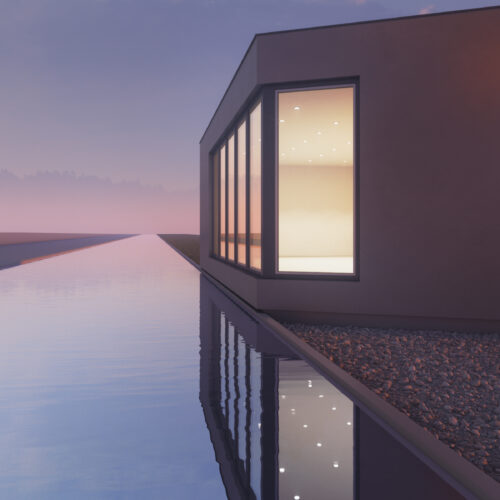
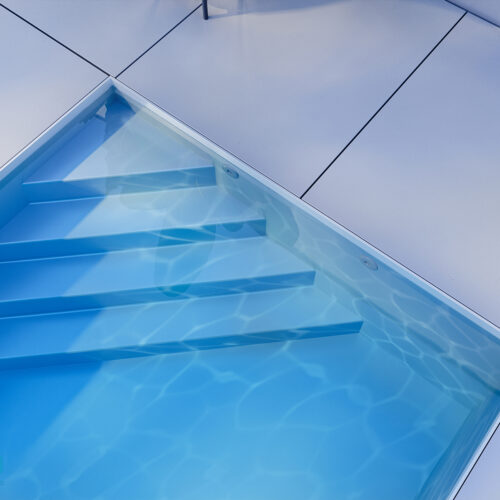
A photorealistic image of your product built from a 3D model - instead of a photo shoot, for every variant, before the prototype even exists.

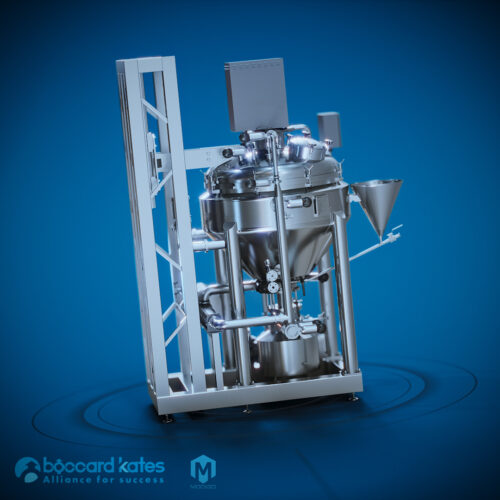
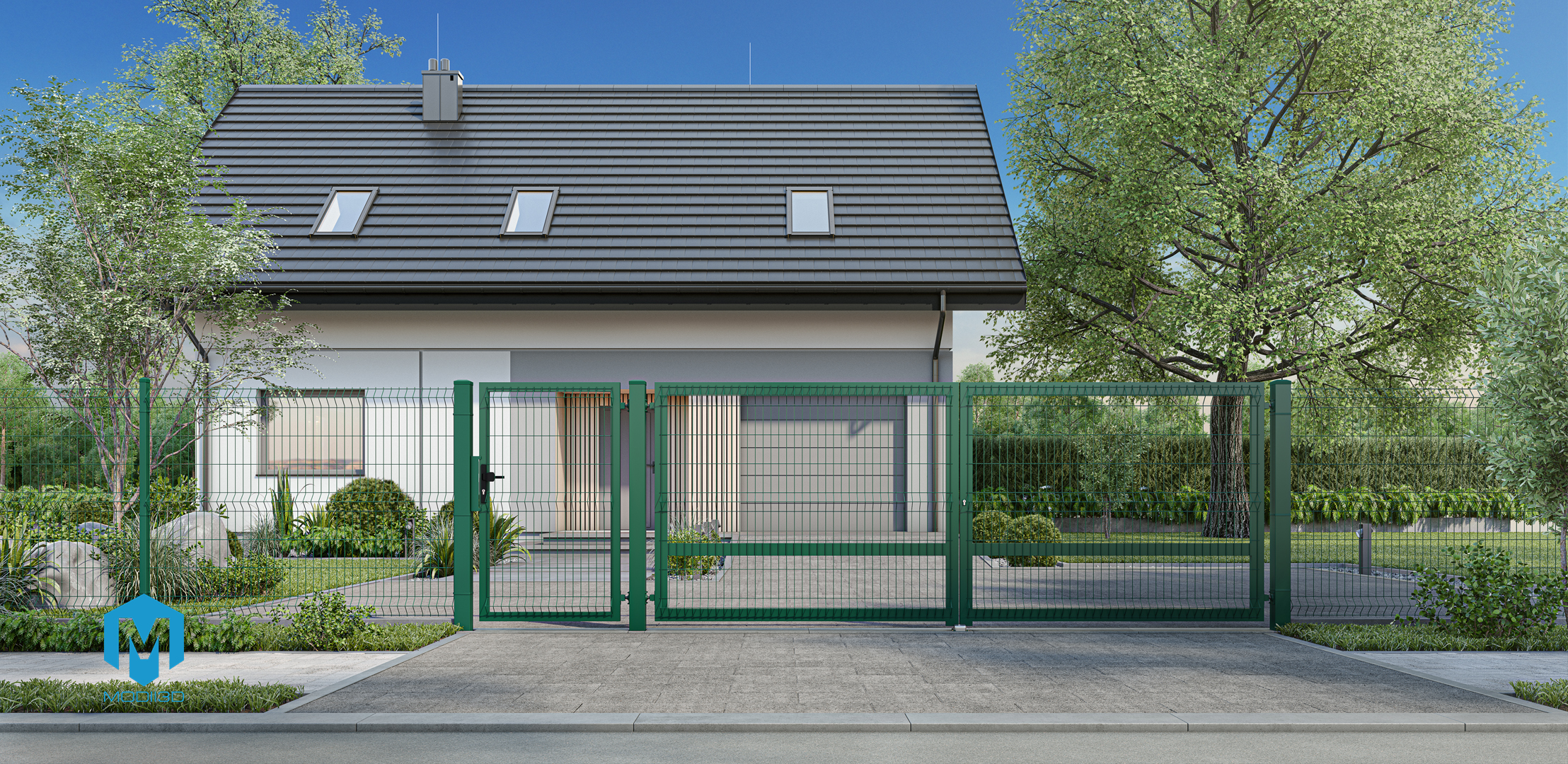
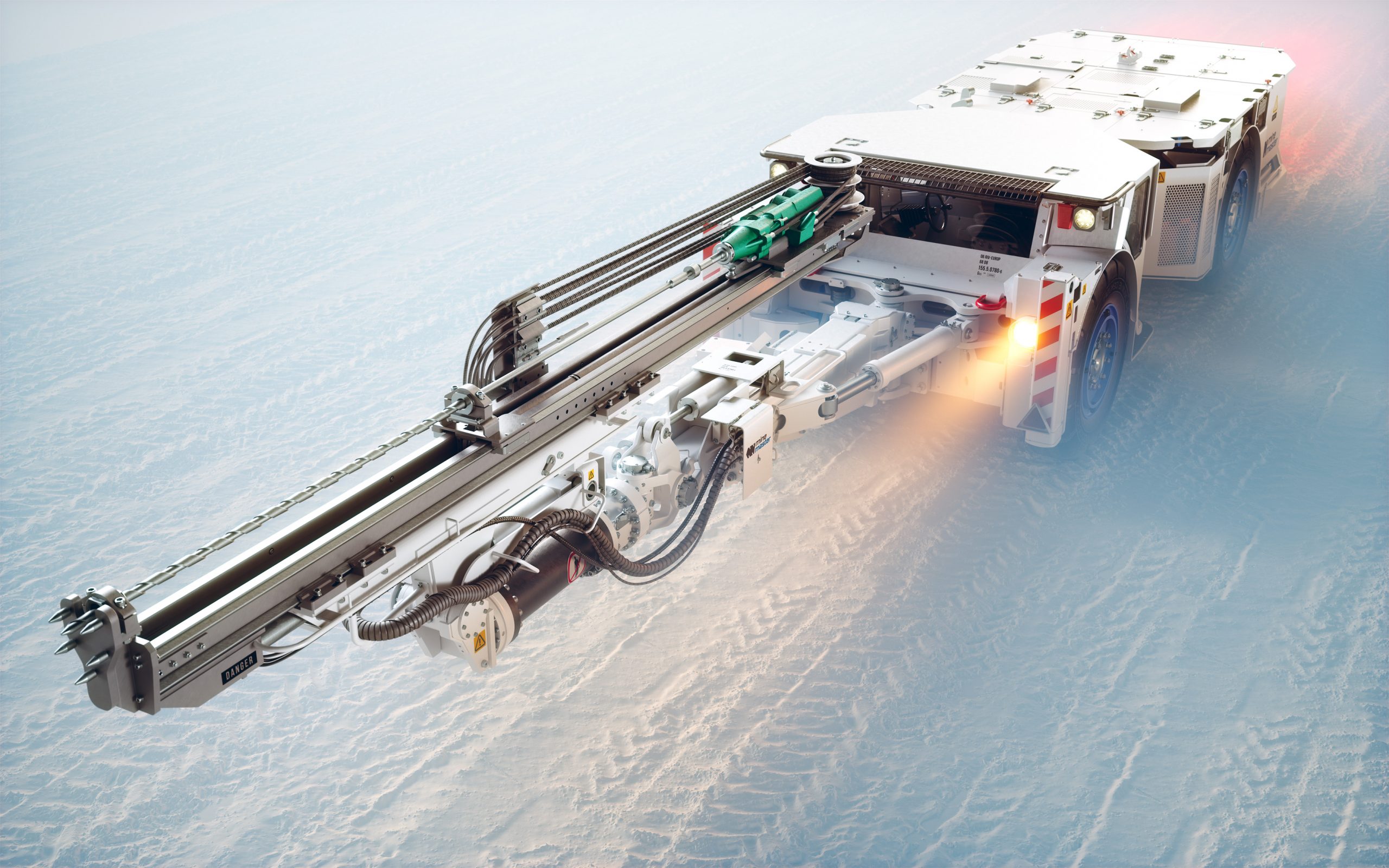
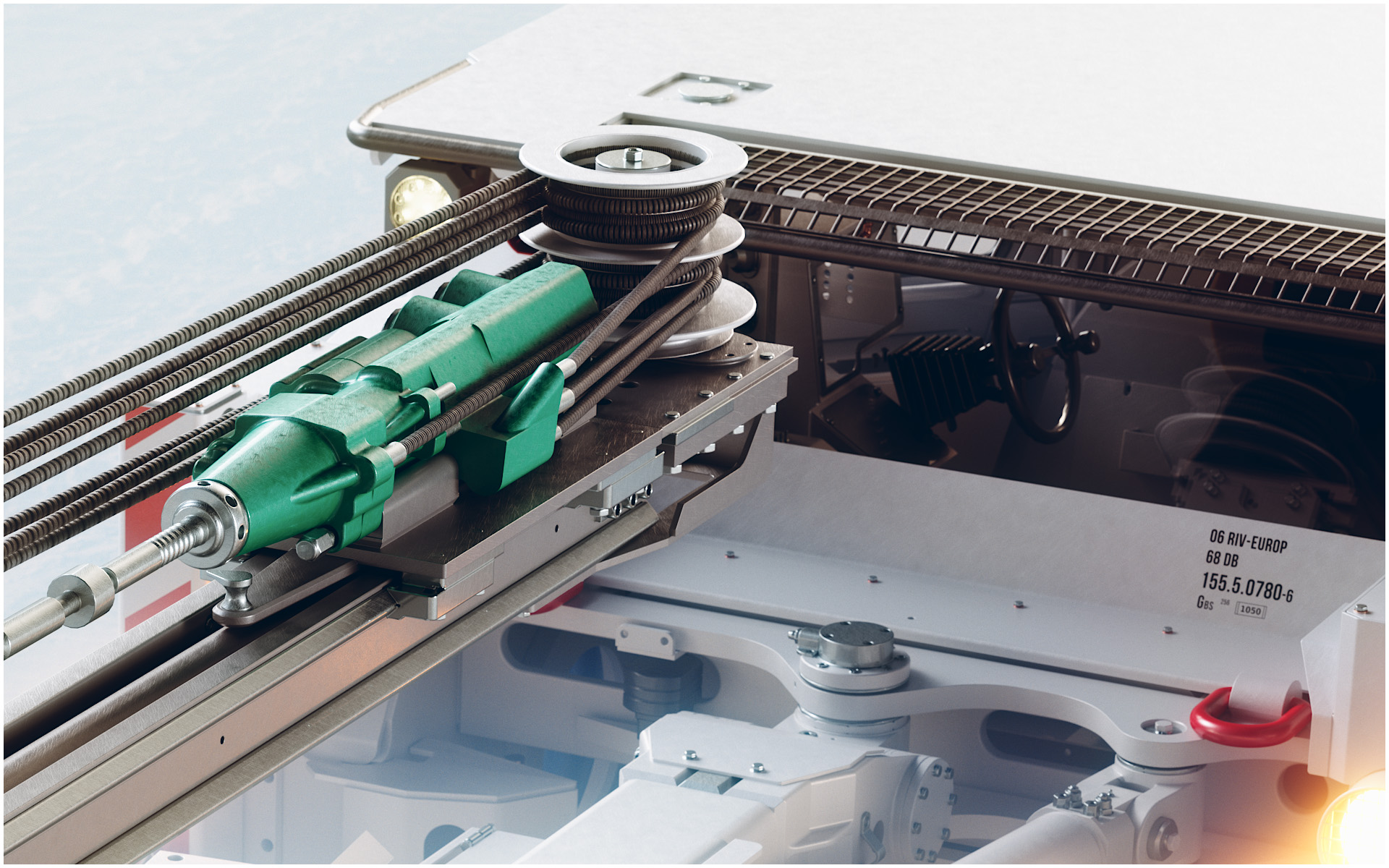
3D product visualization is a photorealistic image of a product generated from a three-dimensional model, replacing a conventional photo shoot. It is built from CAD files, technical drawings or reference photos. It lets you show a product before any physical prototype exists, generate any number of colour variants from a single model, and prepare a consistent catalogue of hundreds of items without arranging a separate shoot for every version.

When is 3D visualization better than a photo shoot?

Product photography works well for a single, finished product in one version. 3D visualization wins in four situations:

  • The product does not exist yet. The 3D model is built from design documentation, so marketing materials can be ready alongside production rather than after it.
  • There are many variants. Every colour, size and configuration means another photo shoot. In 3D it is a change of material settings on the same model.
  • The catalogue runs into hundreds of items. With a large range, the cost and logistics of shoots grow linearly. In 3D the main cost is building the base models – every further shot is far cheaper.
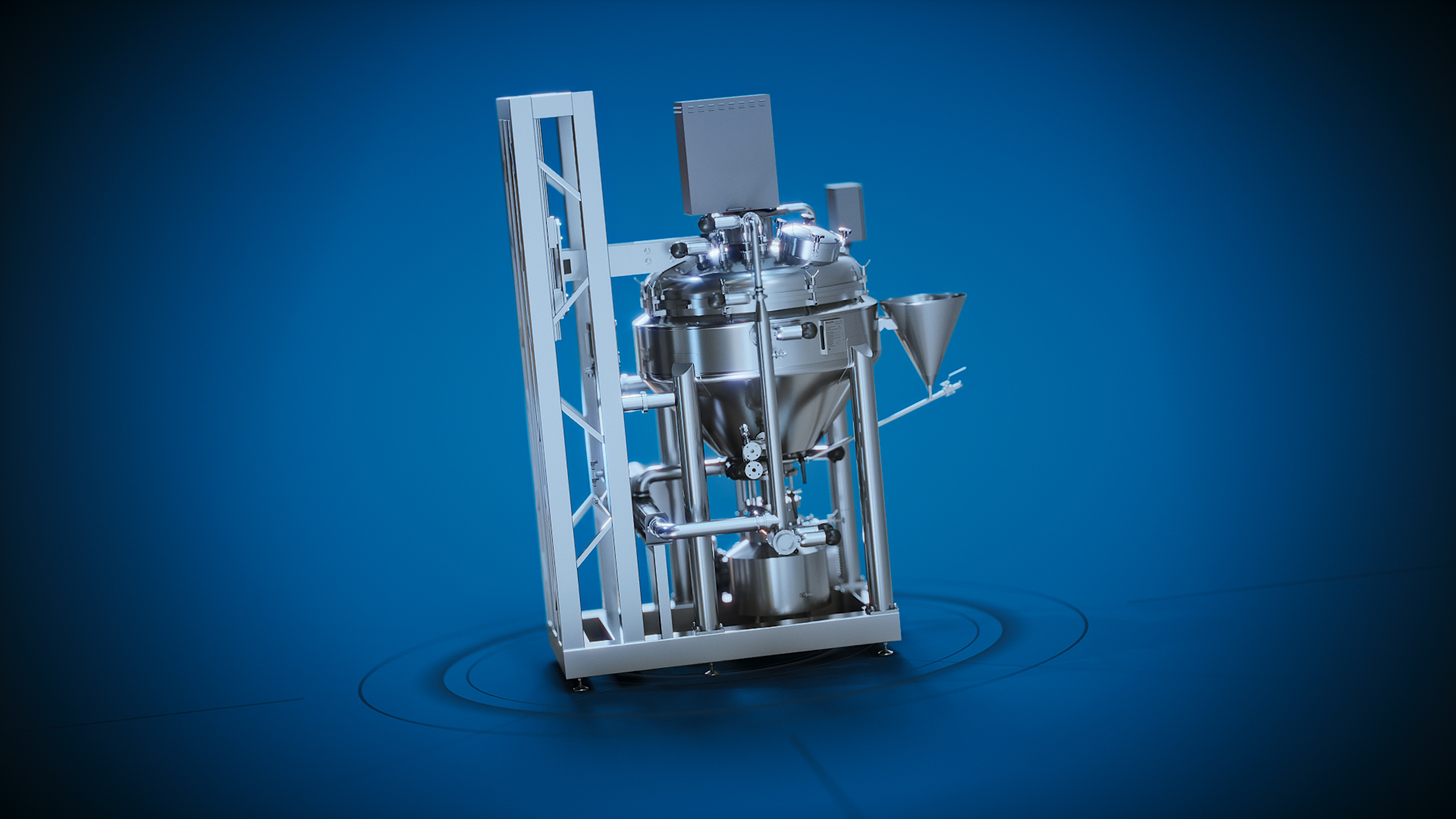
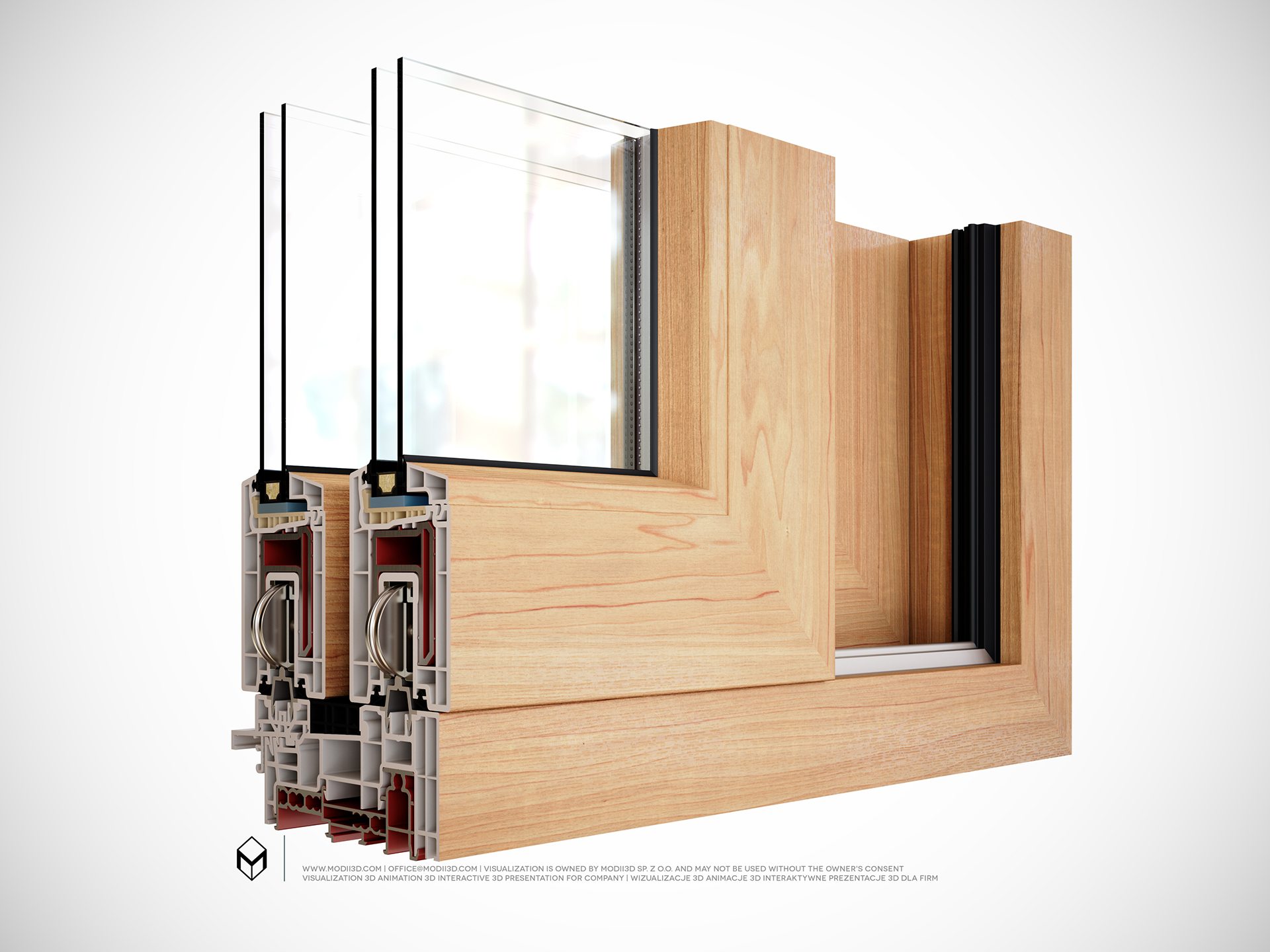
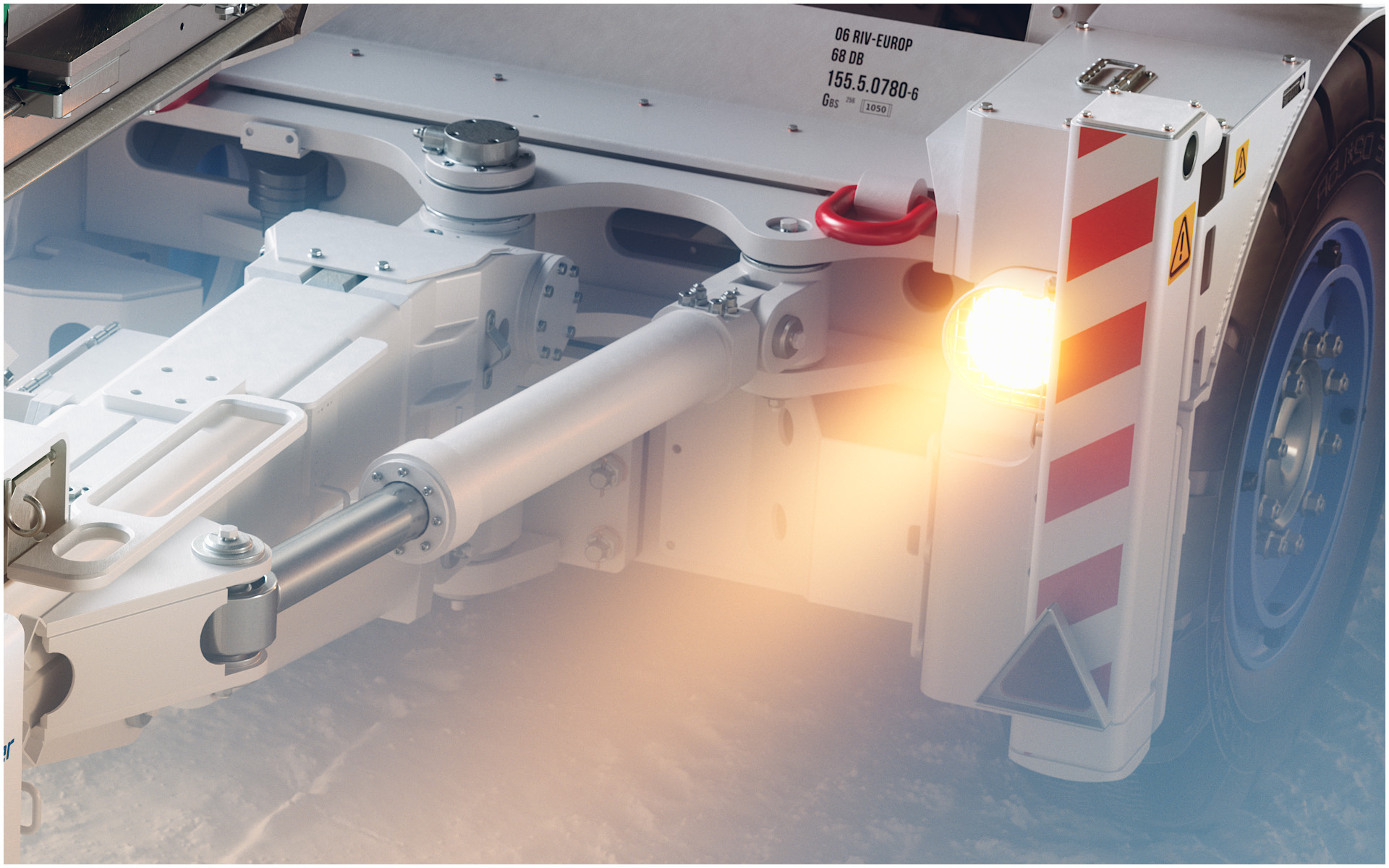
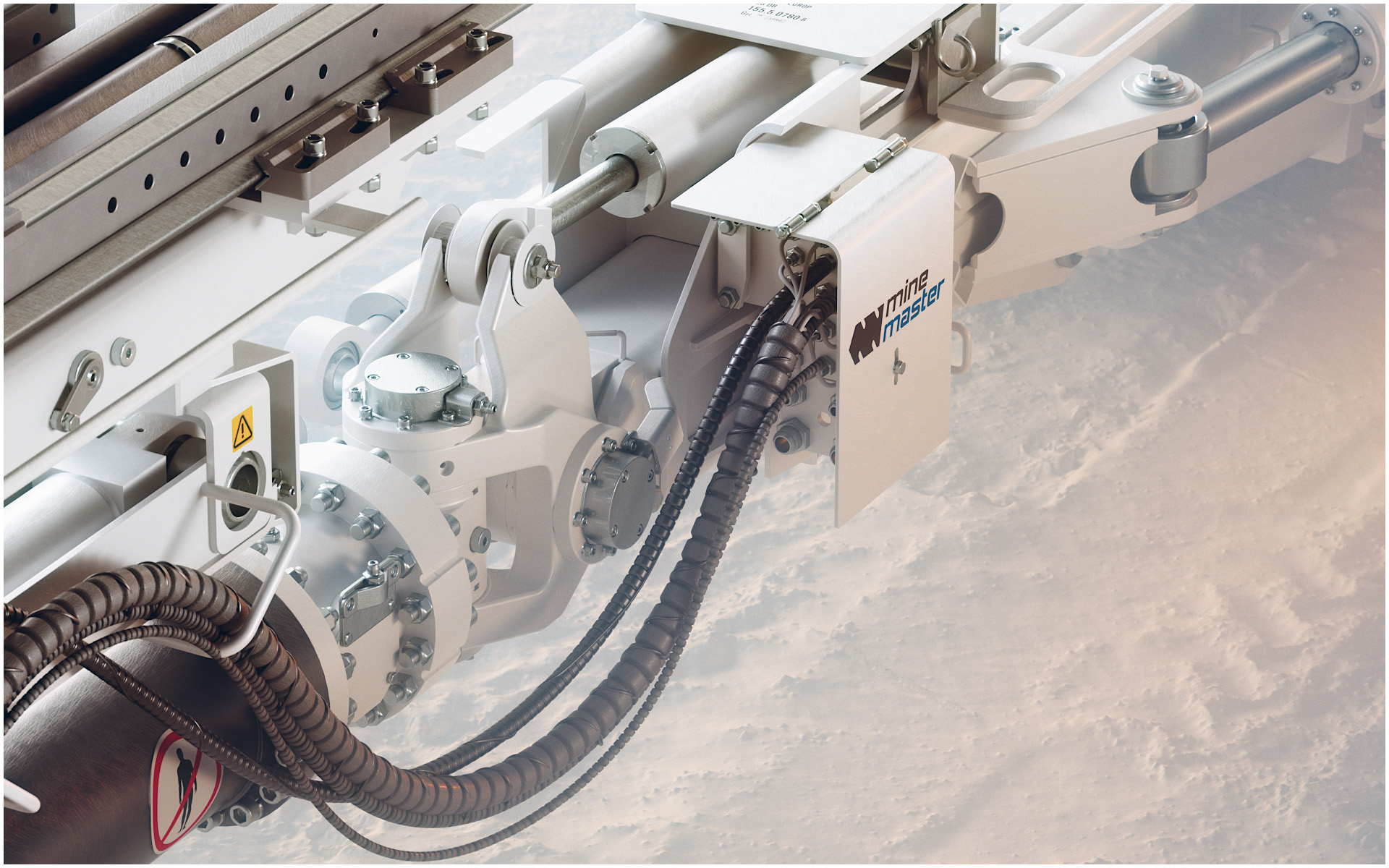
  • The product is hard to photograph. Too large, too heavy, requiring on-site assembly, or shown in cross-section.

Product visualization for large catalogues

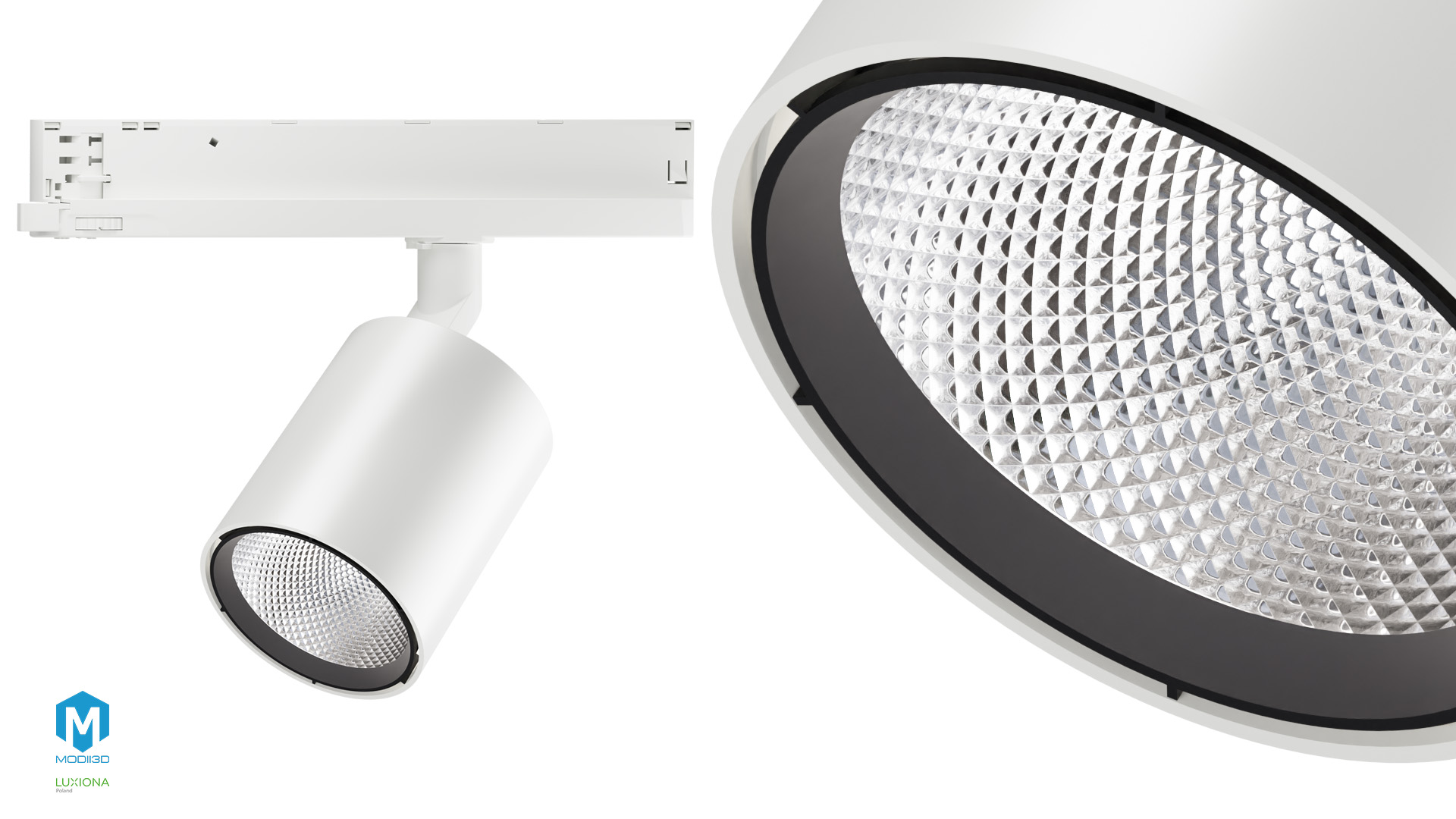
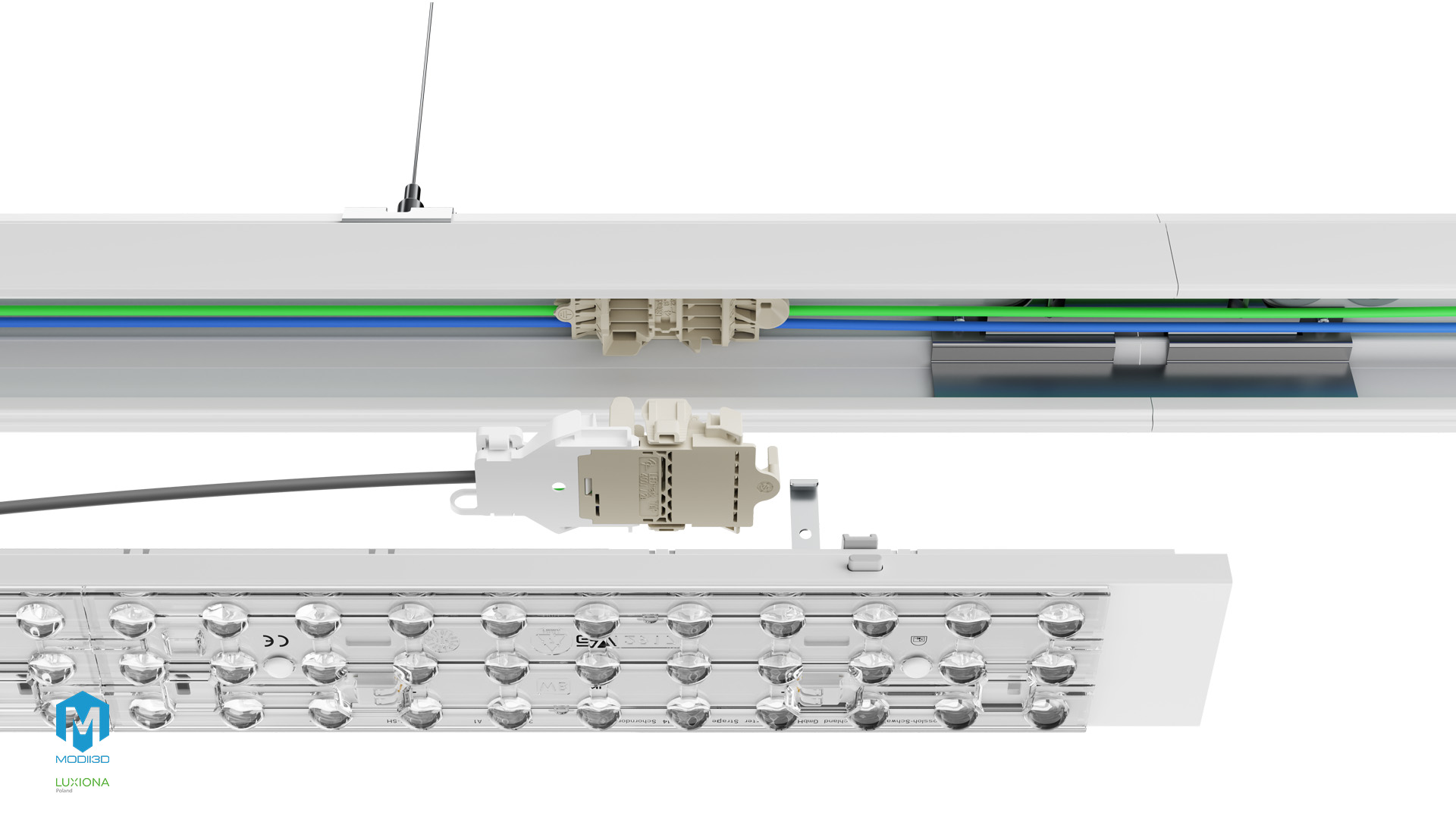
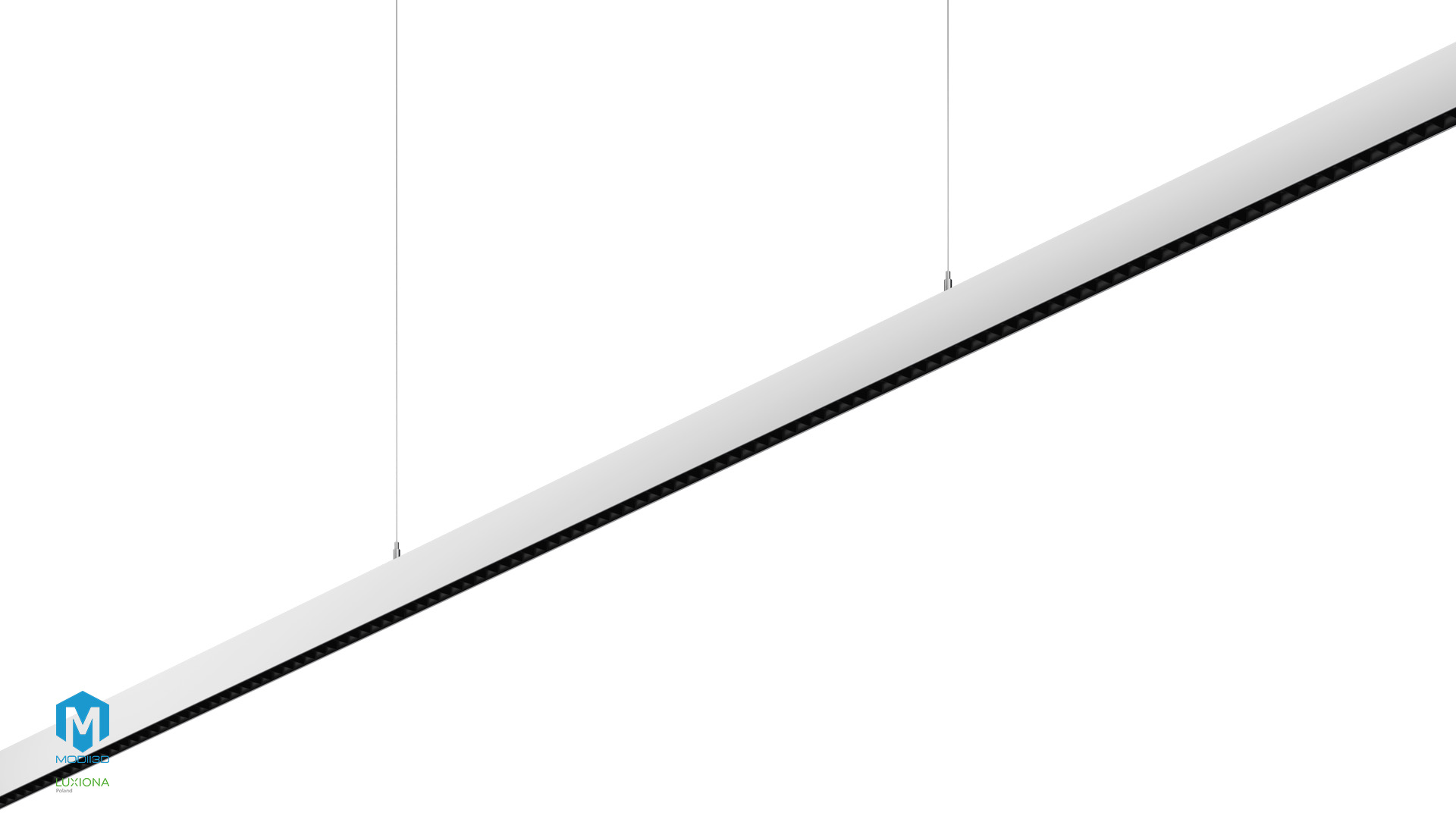
We specialise in projects where the number of product items runs into hundreds. For LUG Light Factory we delivered 500 3D visualizations and 100 stop-motion 360° animations; for Luxiona, dozens of luminaire visualizations and 8 3D animations.

We work directly from CAD and STEP files supplied by your engineering department, not from reference photos. That way the geometry in the visualization matches the production version, not a simplified marketing version of it. We sign an NDA as standard, before any documentation changes hands.

If you do not have a 3D model, we will build one from scratch based on technical drawings, photographs or physical product samples.

How do you prepare colour variants without another shoot?

Once the product model is built and loaded into the scene, preparing another colour version comes down to changing the material settings. It requires no remodelling and no physical painting of a prototype.

Every variant can be presented in an identical shot, lighting and setting, which makes a fair comparison possible before any decision is made. This works just as well for a product catalogue as for testing brand colour concepts before rollout.

Contact

CONTACT US

SEND INQUIRY - WE WILL TOGETHER SHOW YOUR IDEAS! Contact us

Where can you use product visualizations?

  • Catalogues and print materials – consistent quality and identical framing across the entire range.
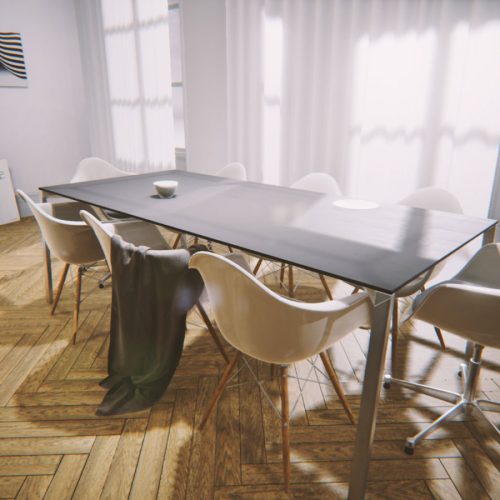
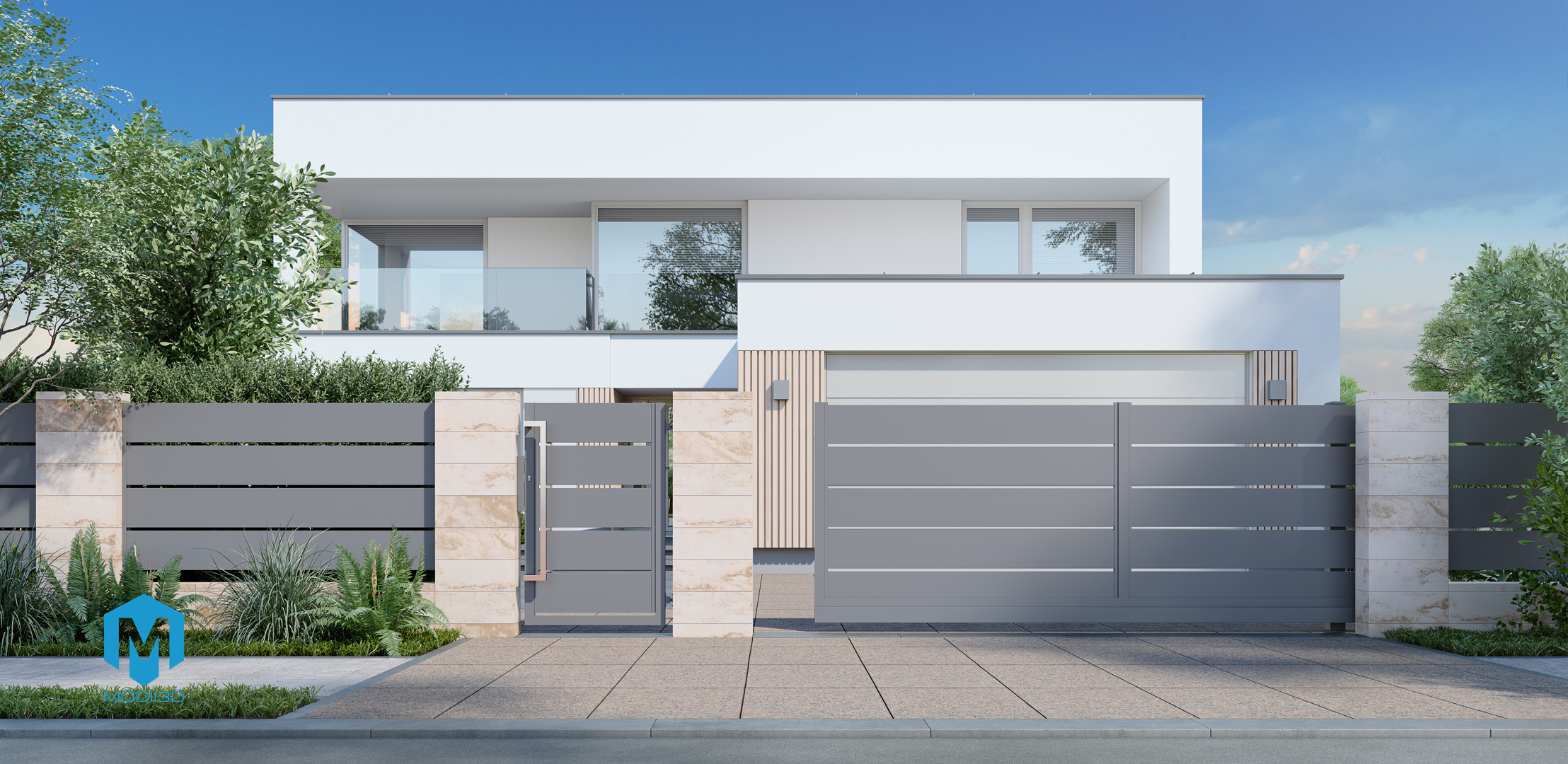
  • Online shops and e-commerce – product shots on white backgrounds and in context, without a shoot for every variant.
  • Trade fairs and sales materials – presenting products that cannot be transported to a stand.
  • Investor presentations – showing the full range of product variants while it still only exists as a design.
  • Training and internal materials – a clear view of how the product is built and how versions differ.

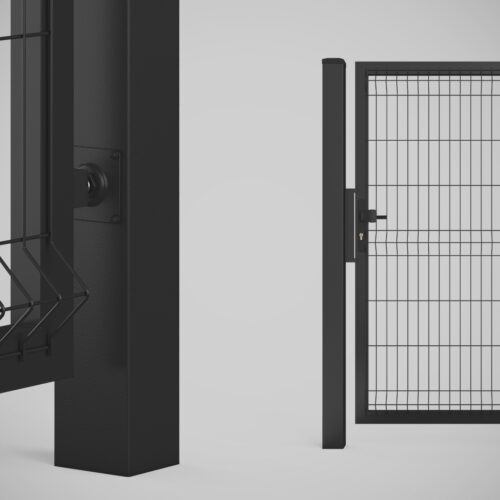
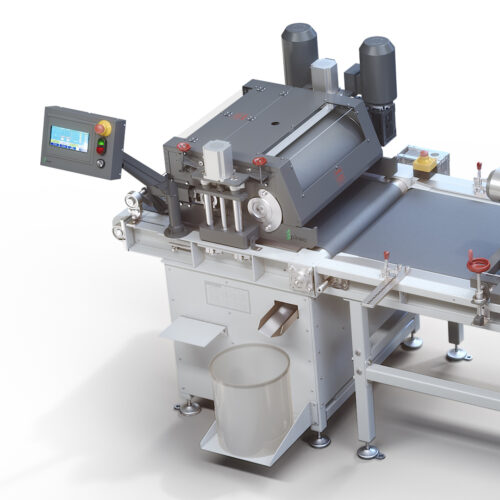
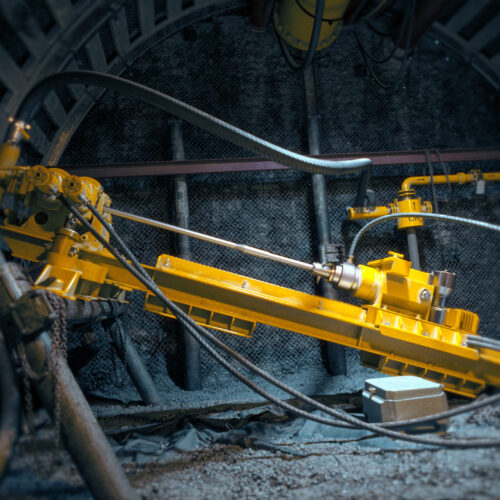
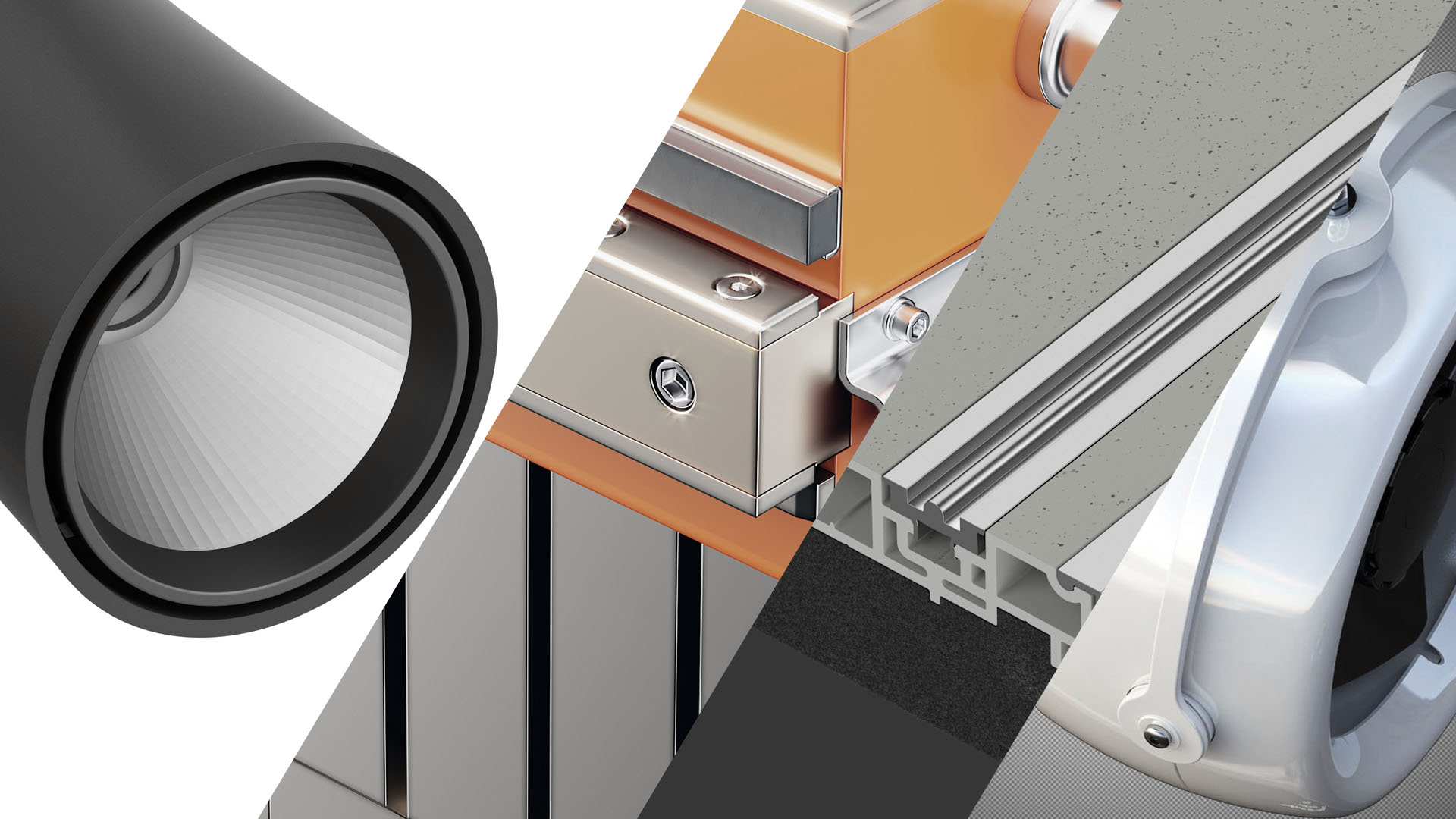
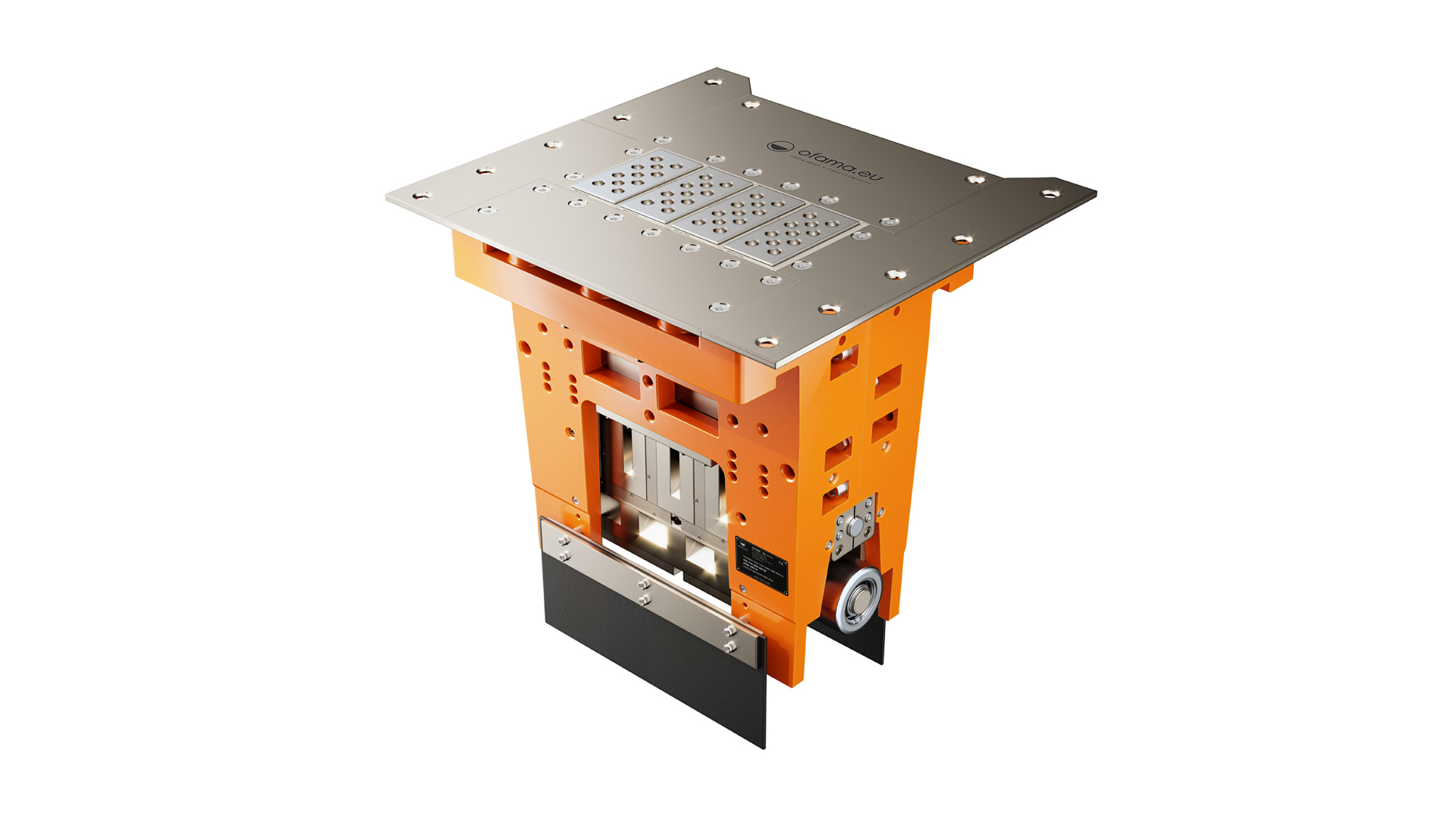
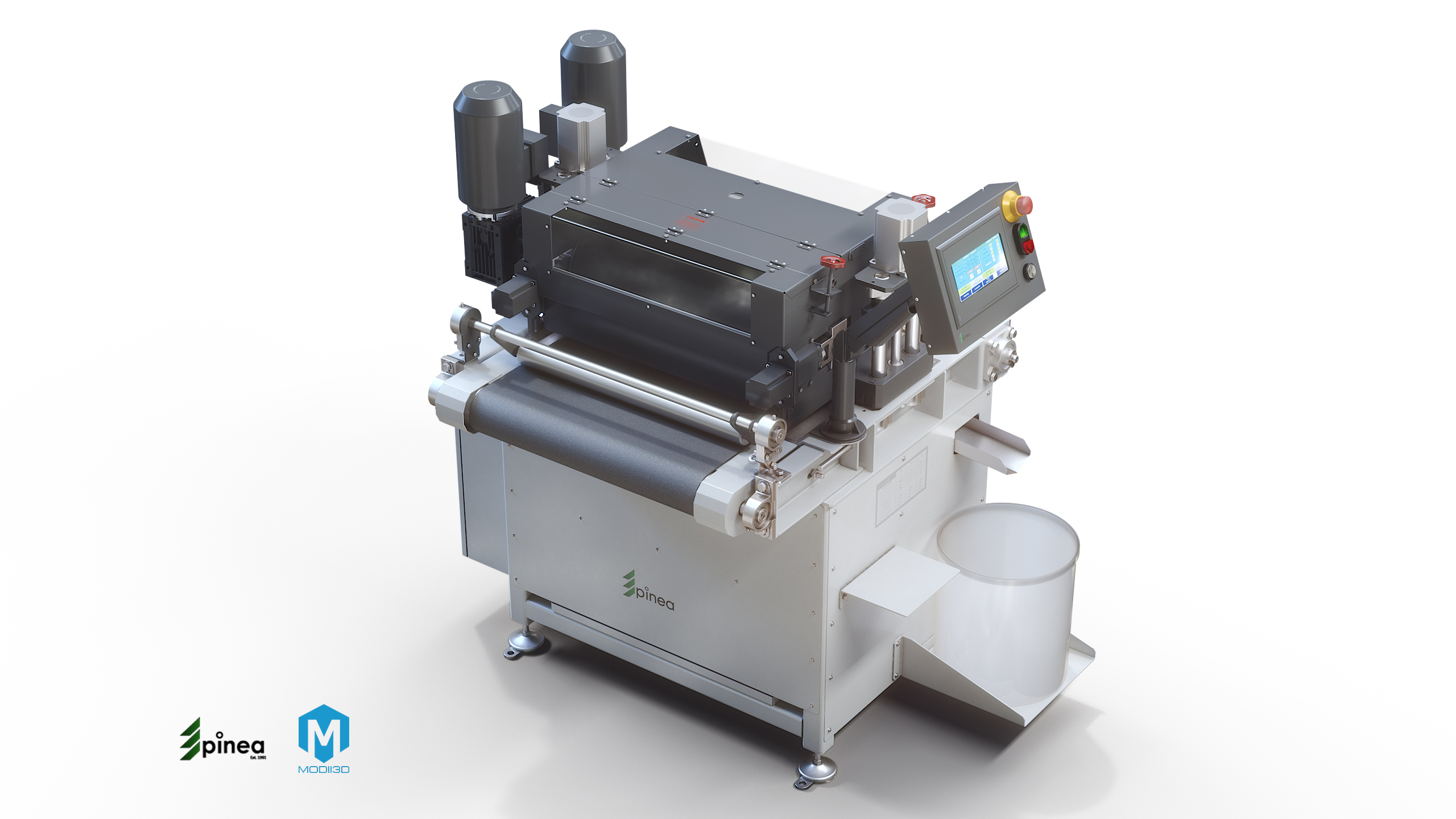
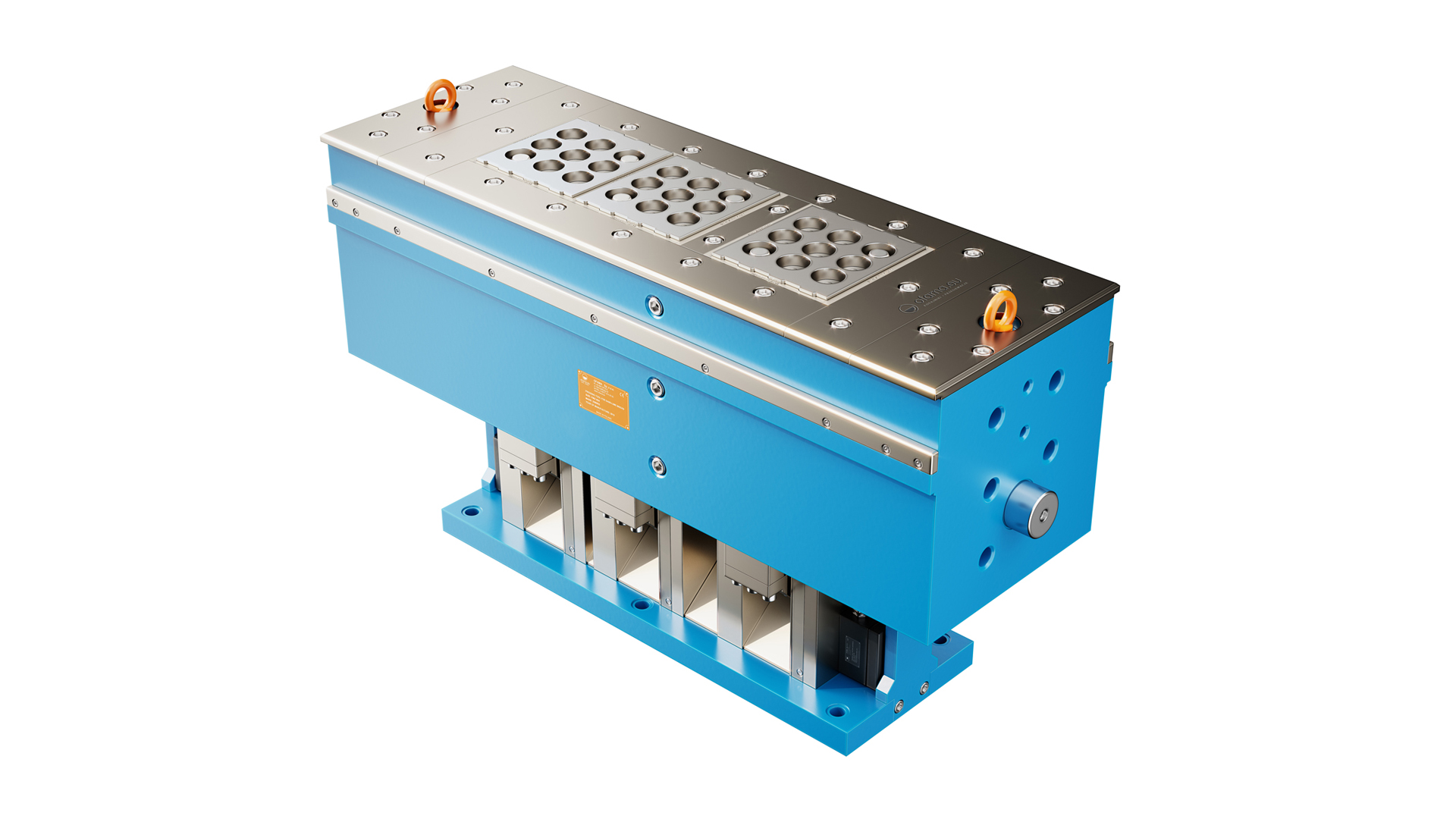
See example projects: luminaire presentations, machine visualizations for the woodworking industry and industrial components for Sankyo Oilless.

How much does a product visualization cost?

We split the quote into two stages: preparing the model (modelling from scratch or adapting CAD files, selecting materials, building the scene) and producing a single shot in high resolution, priced between 100-300 PLN net (excl. VAT).

The second and any further shot from the same, already-built scene is usually 50-70% cheaper than the first. For catalogues running into hundreds of items we quote individually – economies of scale and model reusability are the deciding factors.

Full price ranges, turnaround times and worked examples are published in our article How Much Does 3D Visualization and Animation Cost?

Frequently Asked Questions (FAQ)

What is product visualization?

It is a photorealistic image of a product generated from a 3D model, serving as an alternative to conventional product photography. It is built from CAD files, technical drawings or reference photos, and lets you show the product in any shot, lighting and colour variant.

How much does 3D product visualization cost?

The cost splits into preparing the model and producing a single shot, which runs between 100-300 PLN net. The second and any further shot from the same scene is usually 50-70% cheaper. Detailed price ranges are published in our article How Much Does 3D Visualization and Animation Cost?

How is a product visualization made, step by step?

The process has four stages: preparing the 3D model (from CAD files or from scratch), applying materials that reproduce real surfaces, setting up the scene and lighting, and finally rendering, which generates the final high-resolution image.

Do I need to have a 3D model of the product already?

No. Working from CAD or STEP files supplied by your engineering department is fastest and cheapest, but we can also build the model from technical drawings, photographs or a physical product sample.

How long does a product visualization take?

A studio visualization on a neutral background usually takes 1-5 business days, depending on how complex the model is. A visualization set in context needs extra time to build the scene – from 3 days to around a week.

Can 3D visualization replace product photography?

For most marketing purposes, yes – particularly for products with many variants, large catalogues, and products that have not yet entered production. Visualization also lets you show a product in settings and conditions that could never be staged in a photo studio.

What files do you need to start a project?

We prefer CAD files in STEP, IGES or native design-system formats. Technical drawings with dimensions, colour samples and brand identity guidelines are also helpful. More in our guide to STEP files.